406 Not Acceptable: What It Means and How to Fix It
A practical guide to understanding 406 Not Acceptable and how to resolve it on both client and server sides.
406 Not Acceptable: Understanding the error and how to fix it
When you see 406 Not Acceptable, you’re looking at a client error that signals a mismatch between what the client asks for and what the server can deliver. It’s not a generic failure. It’s about content negotiation. The client sends headers like Accept, Accept-Language, Accept-Encoding, or Accept-Charset, and the server responds that none of the available representations meet those requirements. This can happen with web browsers, API clients, or automated scripts. The good news: most 406s are resolvable by adjusting the request, configuring the server to offer compatible representations, or identifying where a proxy or cache is interfering.

What causes 406 Not Acceptable
Content negotiation mismatch
- Accept header: If you request a format that the server doesn’t support for the requested resource (for example, Accept: application/json when the resource is only available as text/html), the server can respond with 406.
- Language and encoding: Similar constraints can apply if the server cannot provide content in the requested language or encoded form.
Server-side rules and filters
- Web frameworks or middleware can constrain responses to specific formats for security or performance.
- API gateways and reverse proxies might enforce content rules or rewrite headers in ways that trigger 406.
Proxies, caches, and CDNs
- A misbehaving cache can serve a stale or incompatible representation that doesn’t satisfy the Accept criteria.
- Content delivery networks may override or omit certain content types, leading to a 406 response for some clients.
Backend data or feature flags
- If a backend service doesn’t have data in the requested format, or a feature flag hides a representation, the server may return 406.
Common patterns
- API endpoints that support JSON and XML but not the client’s requested type.
- A static site that only serves HTML but a client requests a non-HTML representation.
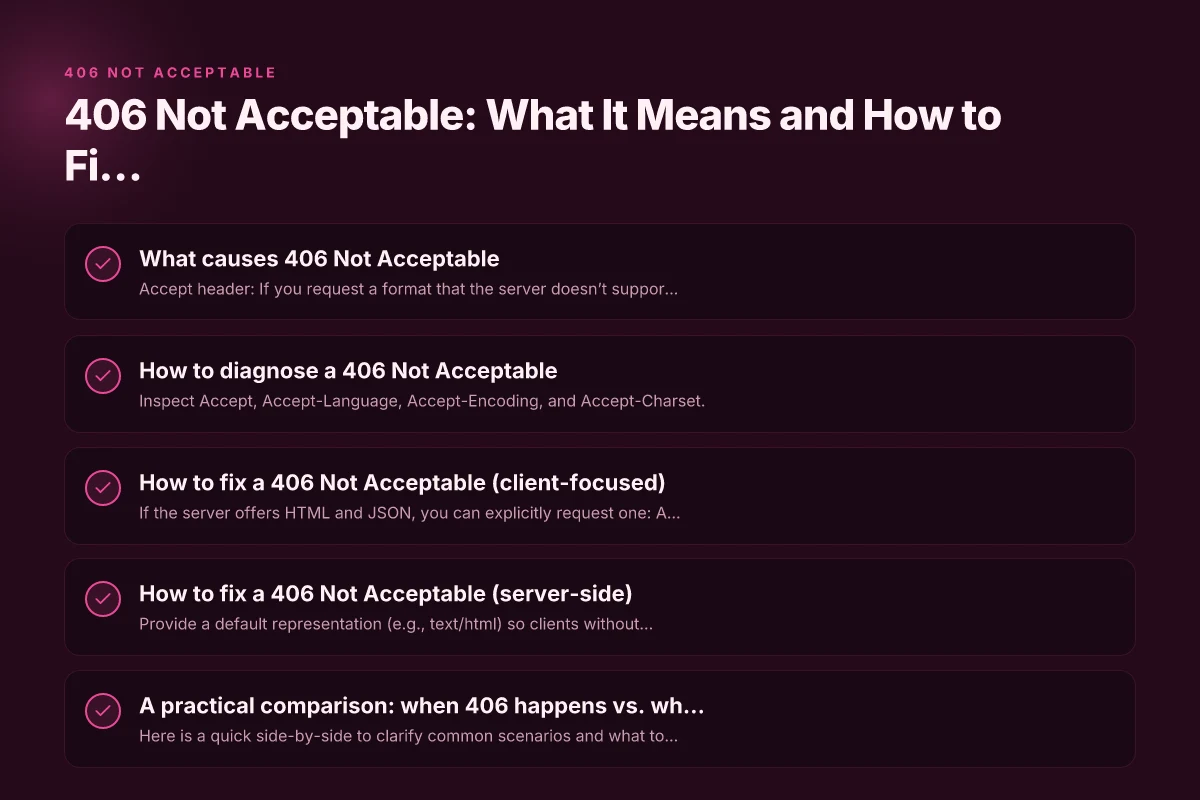
How to diagnose a 406 Not Acceptable
Check the request headers
- Inspect Accept, Accept-Language, Accept-Encoding, and Accept-Charset.
- Look for excessive or conflicting preferences that could cause no viable representation.
Review server logs
- Look for messages around content negotiation or representations offered for the resource.
- Identify whether the server attempted to generate a representation and failed.
Test with different clients
- Try a browser, curl, Postman, or a simple script to see if the 406 is reproducible across clients.
- Narrow down whether the issue is client-specific or server-wide.
Examine caches and proxies
- Clear local caches, disable proxies temporarily, and re-request the resource.
- If a CDN or reverse proxy is involved, test with and without it to isolate the layer.
Verify the resource availability
- Confirm that the resource actually has the expected representations (HTML, JSON, XML, etc.) available on the server.
- Check for conditional responses tied to headers like Vary, which can affect content negotiation.
How to fix a 406 Not Acceptable (client-focused)
Adjust Accept headers to available formats
- If the server offers HTML and JSON, you can explicitly request one: Accept: text/html or Accept: application/json.
- Avoid overly broad or conflicting Accept values. A single preferred format is often enough.
Request explicit format
- Some APIs support a format parameter (e.g.,?format=json). Use it if the server documents it.
- In RESTful APIs, rely on the documented content type rather than guessing.
Simplify language and encoding preferences
- If Accept-Language is set to a language the server doesn’t support, whitelist a supported language or omit it to fall back to the default.
Disable unnecessary compression
- If Accept-Encoding includes rare encodings, try removing them to see if the server serves a plain representation like gzip or identity.
Clear caches and retry
- Flush browser/cache, disable extensions that modify headers, and retry the request.
How to fix a 406 Not Acceptable (server-side)
Ensure the resource offers at least one compatible representation
- Provide a default representation (e.g., text/html) so clients without strict preferences can render content.
- Expand the server’s content negotiation to include common formats (HTML, JSON, XML) as appropriate.
Align content negotiation logic
- Check your framework or middleware to ensure it responds with a 406 only when truly no acceptable representation exists.
- Avoid misconfigurations where the server misreads Accept headers or misroutes to a handler that doesn’t support offered formats.
Update metadata and Vary headers
- Use Vary: Accept and related headers correctly so caches know the response can vary by Accept.
- Ensure the server communicates the available representations in a clear, consistent way.
Review API gateway or reverse proxy rules
- Confirm that any rules do not strip or rewrite Accept headers in a way that creates mismatches.
- Ensure upstream services can supply the requested formats or a compatible fallback.
Check for feature flags or data availability
- Verify that the backend has the data or feature enabled to serve the requested format.
- If a representation is temporarily unavailable, implement a graceful fallback rather than a 406.
A practical comparison: when 406 happens vs. when it doesn’t
Here is a quick side-by-side to clarify common scenarios and what to do:
| Scenario | Client request | Server behavior | What to do |
|---|---|---|---|
| Client asks for JSON, server offers HTML only | Accept: application/json | Server responds 406 | Add JSON support or request HTML explicitly |
| Client requests a preferred language not supported | Accept-Language: fr-FR, en | Server serves en or 406 if no match | Request a supported language or enable multi-language content |
| Client accepts multiple encodings, server supports gzip only | Accept-Encoding: br, identity | Server serves gzip; if not compatible, 406 | Remove rare encodings to fall back to gzip |
| Cache returns stale representation not matching Accept | Cached response cached without Vary correctly | 406 or inconsistent content | Clear cache, fix Vary headers, invalidate stale entries |
| No representation exists for the resource | Accept: text/html | Server cannot generate any acceptable form | Provide at least one representation or adjust negotiation rules |
Real-world patterns and tips
- APIs often use content negotiation to serve JSON or XML. If your client requests a type the API doesn’t support, you’ll see 406. In practice, consult the API docs for accepted formats and use the documented method to specify your desired format.
- Browsers usually negotiate content automatically. If a server misreports content types or uses strict rules, a 406 can appear even for typical HTML pages. A server-side fix is usually to offer HTML as a fallback or correct the Content-Type and Vary headers.
- For developers debugging 406 in microservices, map out which service is responsible for which representation. A small diagram of services and their supported formats can help pinpoint where the mismatch originates.
A short guide for developers: steps to troubleshooting 406 in a typical web app
- Reproduce with a minimal client and capture headers:
- Accept, Accept-Language, Accept-Encoding
- Note any Vary or Content-Type responses
- Check the server’s content negotiation logic:
- Which representations does the resource offer?
- Is there a code path that returns 406 even if a representation exists?
- Test with explicit formats:
- Request text/html, application/json, etc., to see which are served.
- If one works, align the client to use the working format or adjust server defaults.
- Inspect caches and proxies:
- Bypass or clear caches to ensure stale responses aren’t causing the issue.
- Review backend data availability:
- Ensure that required data or features exist to render the requested format.
A short final note on best practices
- Prefer a sensible default: always provide at least one safe representation (often HTML) so a default client can render something instead of failing.
- Document accepted formats clearly in API or site documentation, including how to request a specific format.
- Use the Vary header appropriately so caches don’t serve stale or incompatible content.
- Avoid overcomplicating Accept headers. Simple, explicit preferences reduce the risk of a 406.
Recommendation
If you encounter 406 Not Acceptable, start by identifying the resource and the exact headers the client sends. Check what representations the server is prepared to offer and confirm there’s at least one compatible representation for typical clients. If you own the server, ensure a fallback format is available and that negotiation logic isn’t inadvertently blocking valid responses. If you’re debugging as a consumer or integrator, adjust your Accept or format preferences to the server’s documented capabilities, and test with explicit formats. By narrowing down the negotiation space and aligning both sides, most 406 errors resolve quickly and predictably. Proton VPN extension Edge: how to use Proton VPN on Microsoft Edge and why ZoogVPN is worth considering

Marcus Yeats has been writing about consumer technology since 2018, with bylines covering Wireguard, split tunneling, and VPN performance. Approaches each review by setting up the product the same way a typical reader would and recording every snag along the way.