Understanding Proxies: What They Are, How They Work, and When to Use Them
Learn what a proxy is, how it differs from VPNs, common use cases, and tips for choosing a secure proxy service like ZoogVPN.
Proxies are a longstanding tool in the online privacy and access toolkit. If you’ve ever wondered, “What is a proxy, and should I use one?” this guide walks you through the basics, common types, practical use cases, and how to choose wisely. We’ll also touch on how a VPN, specifically ZoogVPN, fits into the picture and when it might be the better option.

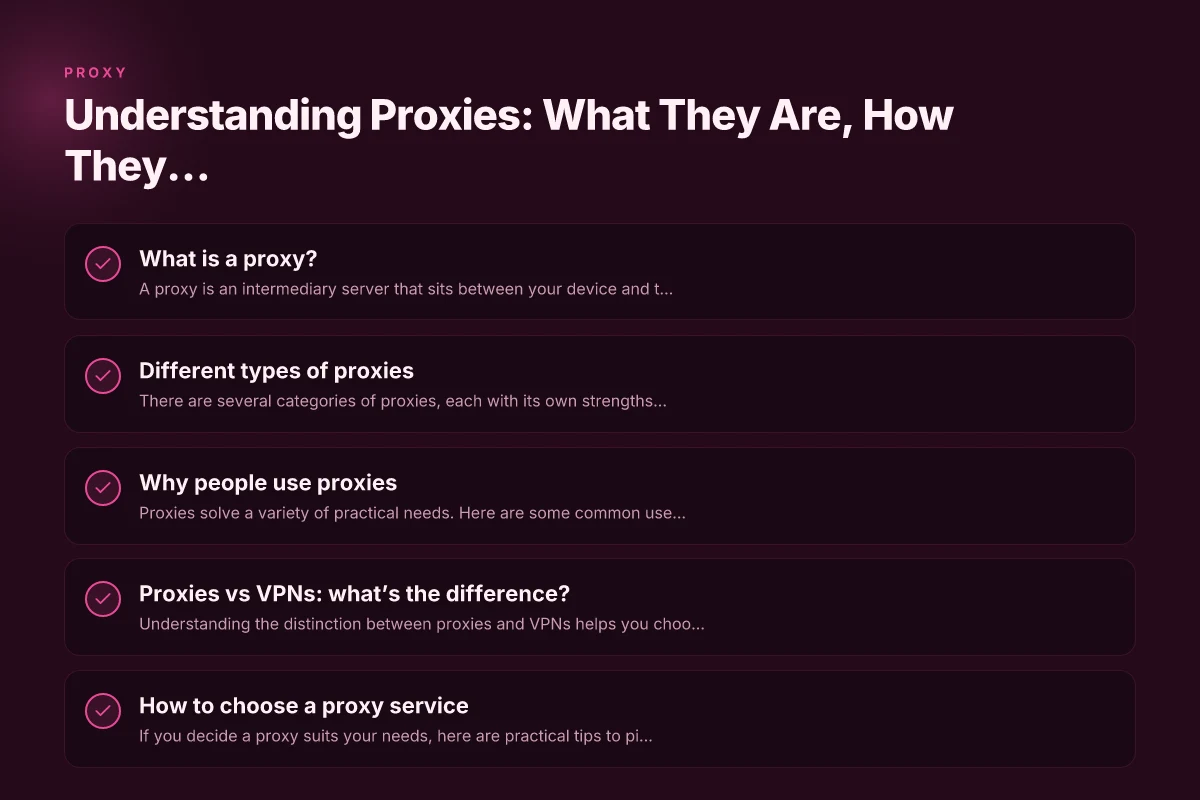
What is a proxy?
A proxy is an intermediary server that sits between your device and the websites or services you reach. When you request a page, the request goes to the proxy first, and the proxy forwards it to the destination. The response then travels back through the proxy to you. This setup can mask your IP address, manage access, or filter content, depending on the proxy’s configuration.
- Proxy as an intermediary: You request, the proxy requests, and you receive.
- Common purposes: privacy, content access, filtering, caching, and traffic management.
- Not all proxies provide strong security: some simply route traffic without encrypting it.
Different types of proxies
There are several categories of proxies, each with its own strengths and limitations. Here are the most common ones you’re likely to encounter.
Web proxies (HTTP/HTTPS)
- What they do: Route your browser traffic through a remote server.
- Pros: Easy to use. Often free. Can bypass some regional blocks.
- Cons: Typically offer only basic privacy. Browsers or services you use may leak IP under certain configurations. Not all traffic is guaranteed to pass through the proxy.
Anonymous proxies
- What they do: Hide your IP address from the destination site.
- Pros: Better privacy than a plain web proxy. Can be sufficient for light privacy needs.
- Cons: Some sites can detect the proxy. Performance can vary.
Transparent proxies
- What they do: Forward requests without hiding your IP. Often used by organizations.
- Pros: Useful for content filtering and caching.
- Cons: They reveal your IP, so privacy benefits are minimal.
SOCKS proxies
- What they do: Work at a lower level and can handle more types of traffic (not limited to HTTP/HTTPS).
- Pros: More versatile. Can support apps beyond a browser.
- Cons: Still may lack encryption. Setup can be more technical.
Residential vs. data center proxies
- Residential: Uses real devices from ordinary users. Harder to detect, often used for testing geo-availability.
- Data center: Hosted on servers in data centers. Faster and cheaper, but easier for sites to detect and block.
- Pros/Cons: Residential proxies improve stealth. Data center proxies offer speed and cost efficiency.
Why people use proxies
Proxies solve a variety of practical needs. Here are some common use cases.
- Accessing geo-blocked content: If a service restricts content to certain regions, a proxy can help you appear to be in a permitted location.
- Privacy and tracking reduction: A proxy hides your IP from the destination site, adding a layer of anonymity.
- Content filtering and parental controls: Organizations and households use proxies to enforce policies.
- Caching and performance: Proxies can cache frequently requested pages to speed up access for multiple users.
Proxies vs VPNs: what’s the difference?
Understanding the distinction between proxies and VPNs helps you choose the right tool for your goals.
- Scope of protection: Proxies typically handle traffic for specific apps or browsers; VPNs tunnel all your device’s traffic.
- Encryption: VPNs usually encrypt all traffic between your device and the VPN server. Many proxies do not encrypt traffic unless you pair them with encryption (e.g., HTTPS).
- Reliability and trust: VPNs from reputable providers offer clear privacy policies, audited security, and customer support. Free or shady proxies may log data or inject ads.
- Use cases: If you want full-device privacy and consistent performance across apps, a VPN is often the better choice. If you only need to bypass a single app’s geo restrictions, a proxy might suffice.
Table: proxies vs VPNs at a glance AnyConnect and VPN Essentials: What It Is, How It Works, and Why ZoogVPN Is a Strong Alternative
- Aspect: Traffic coverage
- Proxy: Per-app or per-browser
- VPN: All device traffic
- Aspect: Encryption
- Proxy: Often none (unless using HTTPS or a secure proxy)
- VPN: Strong encryption
- Aspect: Privacy impact
- Proxy: IP masking, potential logging
- VPN: IP masking plus a privacy policy and often stricter no-logs commitments
- Aspect: Setup complexity
- Proxy: Usually easier for a single app
- VPN: More consistent across devices but setup varies by platform
- Aspect: Typical cost
- Proxy: Free and paid options exist
- VPN: Usually paid subscriptions with more comprehensive features
How to choose a proxy service
If you decide a proxy suits your needs, here are practical tips to pick a trustworthy option.
- Security and encryption: For any sensitive browsing, prioritize services that offer HTTPS support or pair proxies with encryption. Be cautious of providers that do not protect data.
- Privacy policy and logging: Read the provider’s data handling policy. Look for minimal logging and a clear explanation of what data is collected and for how long.
- Reliability and performance: Check reviews for speed, uptime, and geographic coverage. Free proxies can be slow or unreliable.
- Transparency and reputation: Prefer well-known providers with a transparent ownership and support system. Beware of services that display aggressive ads or appear unstable.
- Compatibility and setup: Ensure the proxy supports your device and use case (browsers, apps, or the entire device). If you’re not technically savvy, look for user-friendly options.
- Support and updates: Ongoing updates and responsive support help you stay secure as websites evolve.
If you’re looking for a strong, privacy-forward option for broader protection and reliable performance, ZoogVPN is a VPN service to consider. While a proxy can meet some use cases, ZoogVPN offers full-device encryption, a no-logs policy, and broad platform support, which often makes it a better long-term choice for safeguarding privacy online.
Practical setup tips
- For a single browser: Use a browser extension or webpage-based proxy for quick access. This is easy to set up but may leave other apps unprotected.
- For app-wide protection: Consider a full-device VPN like ZoogVPN. This ensures all traffic, including background processes and software updates, goes through an encrypted tunnel.
- Test your setup: After configuring a proxy or VPN, test your IP address on a site like whatismyip.com to verify what information is visible and whether your apparent location matches your intent.
- Watch for leaks: Some proxies can leak DNS data or real IPs if configured incorrectly. Use DNS leak tests and ensure your settings route all traffic securely where intended.
A short note on safety and best practices
- Don’t assume all proxies are safe. Some free proxies may log your data or inject ads. Stick to reputable providers and be mindful of what you expose to any intermediary.
- Combine with encryption for better privacy: If you’re using a proxy, prefer HTTPS-enabled destinations, or pair the proxy with a VPN for full encryption.
- Consider your threat model: If you’re protecting sensitive information or seeking robust privacy, a reputable VPN like ZoogVPN, offering full-device protection, often provides more reliable security and peace of mind than a standalone proxy.
Final recommendation
If your goal is strong privacy, reliable encryption, and broad coverage across apps and devices, a VPN is usually the better tool. ZoogVPN, available at zoogvpn.com, offers a comprehensive solution with a focus on privacy, security, and user-friendly access. Proxies have their place for quick, limited tasks or specific app scenarios, but for most readers seeking durable protection and straightforward use, starting with ZoogVPN is a solid choice.
If you’d like, I can tailor a quick setup guide for ZoogVPN based on your device (Windows, macOS, iOS, Android) or walk you through choosing between a proxy and a VPN for your particular needs.

Ezekiel Saavedra has been writing about consumer technology since 2018, with bylines covering streaming geo-unblocking, P2P networking, and router firmware. Approaches each review by setting up the product the same way a typical reader would and recording every snag along the way.