Best Free VPN Extension for Edge: Top Options and How to Choose
Compare free VPN extensions for Microsoft Edge, understand their limitations, and choose one that fits your privacy needs.
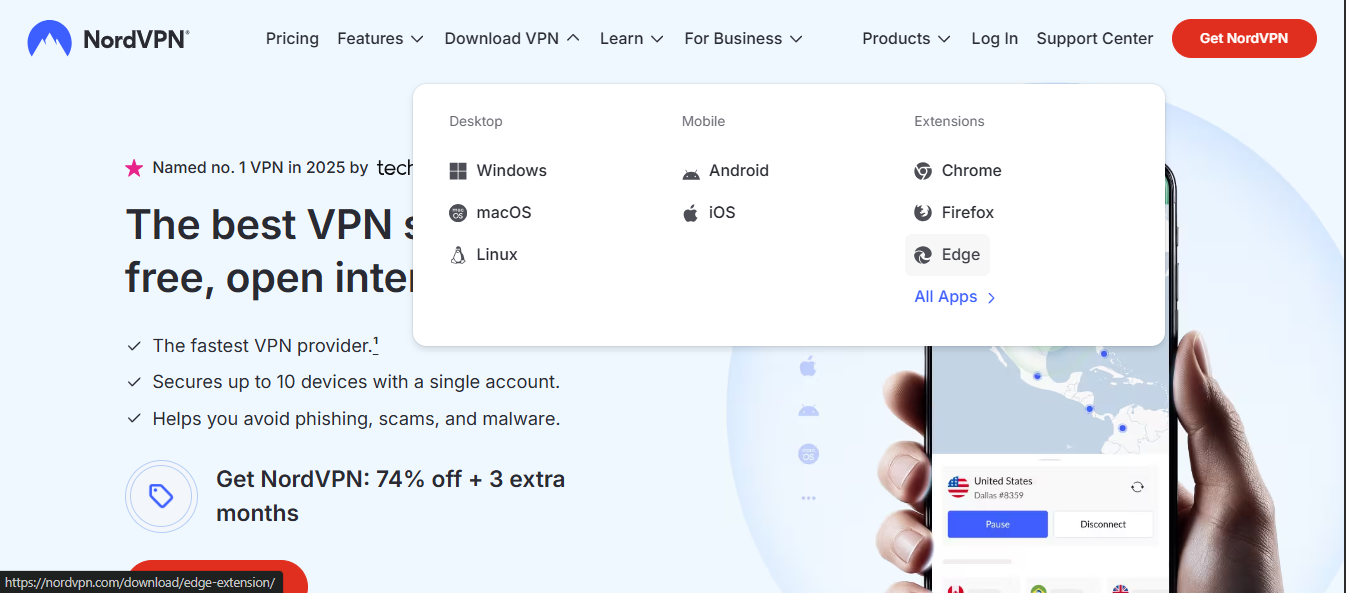
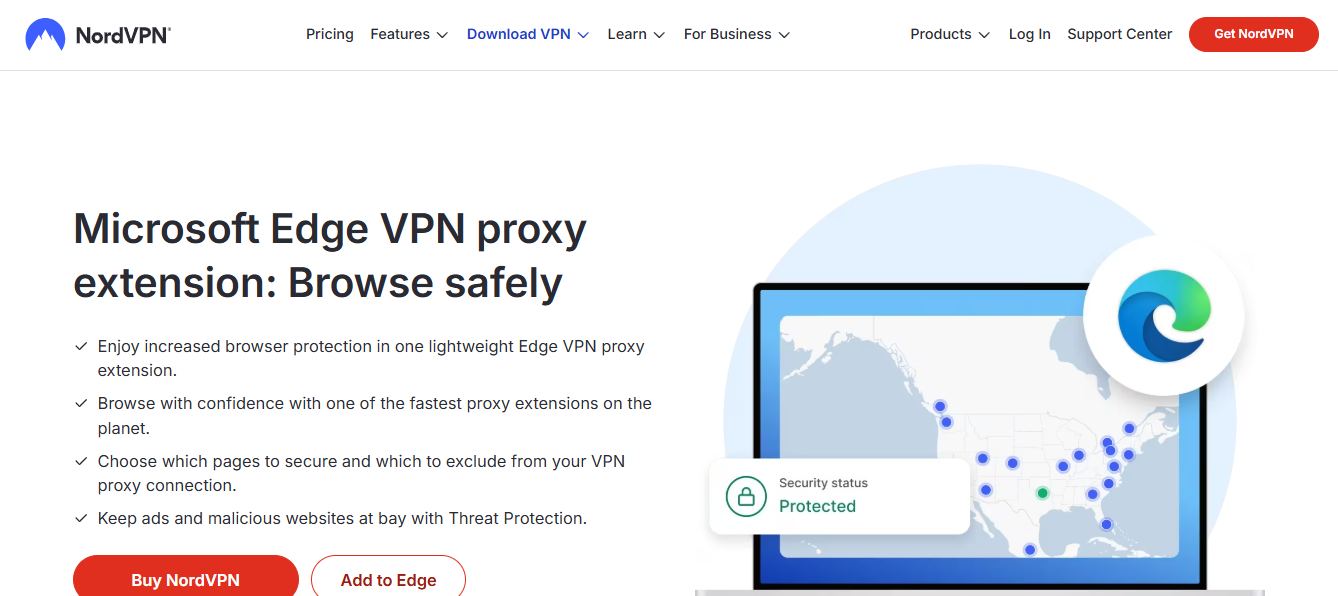
If you’re looking for the best free VPN extension for Edge, start by comparing Windscribe and VeePN, then check the current terms and privacy details in the Microsoft Edge Add-ons store. A free extension can be useful for browser-based privacy or changing your apparent location, but it is not automatically equivalent to a full-device VPN. The right choice depends on the protection you need and any limits on the free plan.
Editor's pick: NordVPN — fast, secure VPN — Strong encryption, a no-logs policy and apps for every device. 30-day money-back guarantee. Get NordVPN →
Compare free Edge VPN extensions by practical fit
| Option | Free access | Edge support | Best for | Main limitation |
|---|---|---|---|---|
| Windscribe | Free plan | Check Edge add-on listing | Flexible privacy controls | Free plan has limits |
| Proton VPN | Free plan | Check Edge add-on listing | Privacy-focused use | Extension availability may vary |
| PrivadoVPN | Free plan | Check Edge add-on listing | Trying a free VPN service | Free plan has limits |
| TunnelBear | Free plan | Check Edge add-on listing | Simple setup | Free plan has limits |
| Browsec | Free tier | Check Edge add-on listing | Quick browser-only use | Browser traffic only |
| Urban VPN | Free access | Check Edge add-on listing | Basic browsing | Review privacy practices |
| Edge built-in VPN | Availability varies | Built into Edge where available | Simple browser setup | Not a general VPN replacement |
Compiled November 2026; check the provider's site for current details.
| VPN | Obfuscation | From / month | Plan | Free plan | Refund | Alipay | UnionPay | Crypto | Website opens in China | Trustpilot | |
|---|---|---|---|---|---|---|---|---|---|---|---|
 Windscribe | Turn on manually Stealth / WStunnel | $5.75/mo | 12 months: $69 | Yes | See site | ✗ | ✗ | ✗ | ✓ | ✗ Blocked | 4.7/5 (13,355 reviews) |
 Proton VPN | Turn on manually Stealth, free plan too | $2.99/mo | 12 months: $35.88 | Yes | 30 days | ✗ | ✗ | ✗ | ✓ | ✗ Blocked | 2.1/5 (1,040 reviews) |
 ZoogVPN | Turn on manually Shadow | $2.49/mo | 27 months: $59.99 | Yes | 7 days | ✓ | ✓ | ✓ | ✓ | Official site blocked; our special link opens (4.4 s) | 4.2/5 (195 reviews) |
 NordVPN | Turn on manually Obfuscated Servers / NordWhisper | $3.49/mo | 27 months: $94.23 | No | 30 days | ? | ✗ | ✓ | ✓ | ✗ Blocked | 4.2/5 (51,628 reviews) |
 ExpressVPN | ✓ On by default all servers | $3.00/mo | 28 months: $84 | No | 30 days | ✗ | ✗ | ✓ | ✗ | ✗ Blocked | 4.4/5 (29,706 reviews) |
 Surfshark | ✓ On by default Camouflage, with OpenVPN | See site | See site | No | 30 days | ✗ | ✗ | ✗ | ✓ | ✗ Blocked | 4.3/5 (31,823 reviews) |
 Astrill VPN | Turn on manually StealthVPN / OpenWeb | $12.50/mo | 24 months: $300 | No | See site | ✗ | ✗ | ✗ | ✓ | ✗ Blocked | 1.3/5 (110 reviews) |
 Private Internet Access | Turn on manually Shadowsocks, OpenVPN only | $2.03/mo | 40 months: $81.2 | No | 30 days | ✗ | ✗ | ✗ | ✗ | ✗ Blocked | 4.2/5 (11,033 reviews) |
 CyberGhost | Turn on manually selected servers | $2.19/mo | 28 months: $61.32 | No | 45 days | ✗ | ✗ | ✗ | ✓ | ✗ Blocked | 4.0/5 (24,178 reviews) |
 PureVPN | Turn on manually switch to OpenVPN | $1.69/mo | 60 months: $101.55 | No | 31 days | ? | ? | ✗ | ✓ | ✗ Blocked | 4.4/5 (17,994 reviews) |
 AdGuard VPN | ✓ On by default TrustTunnel | $2.99/mo | 24 months: $71.76 | Yes | 30 days | ✓ | ✗ | ✓ | ✓ | Official site blocked; our special link opens (3.7 s) | 4.3/5 (290 reviews) |
 Mullvad | Turn on manually QUIC / Shadowsocks / LWO | $5.61/mo | €5/mo | No | 14 days | ✗ | ✗ | ✗ | ✓ | ✗ Blocked | 3.2/5 (192 reviews) |
 StrongVPN | Turn on manually Scramble, OpenVPN TCP | See site | See site | No | 30 days | ✓ | ✗ | ✗ | ✗ | ✗ Blocked | 4.4/5 (2,695 reviews) |
 LightXtreme 闪连 | Not listed | $7.08/mo | 12 months: $84.99 | Yes | 30 days | ✓ | ✓ | ✓ | ✓ | ✓ Yes (3.5 s) | No page |
Prices checked 2026-11-10 on each vendor's pricing page (cheapest long plan, USD). Check the vendor's checkout for the final price.
Obfuscation checked 2026-11-14 on each vendor's site and help center: "on by default" = nothing to set; "turn on manually" = switch protocol or mode in settings; "not listed" = the vendor describes no obfuscation.
Payment methods checked 2026-11-10 on each vendor's payment pages: all 14 take cards and PayPal; ✗ = not listed, ? = the vendor's own pages disagree.
China access: whether the official website opens from mainland China networks (tests the website only, not the VPN connection). Last checked 2026-11-18 01:02 Beijing time.
Trustpilot score and review count checked 2026-11-10.
Best free VPN extensions for Edge to consider
Windscribe offers a free VPN add-on for Microsoft Edge. Its feature page highlights location selection, ad and tracker blocking, and browser leak protection. VeePN also lists a free Edge VPN extension, advertising access to blocked websites and protection for browsing, streaming, and gaming.
These are starting points, not guarantees of performance or privacy. Features, availability, and free-plan conditions can change, so review the current listing and provider documentation before installing.
| Option | What its listing or feature page highlights | What to check |
|---|---|---|
| Windscribe | Location selection, ad and tracker blocking, and browser leak protection | Free-plan terms, supported locations, and privacy policy |
| VeePN | A free Edge extension for browsing and accessing blocked websites | Data or feature limits, permissions, and privacy policy |
| ZenMate | A VPN extension promoted for Microsoft Edge | Current free availability and the terms that apply |
| Edge’s built-in VPN feature | Search results describe a free built-in service for some Edge users | Whether it is available to you, how it works, and its current limits |
ZenMate also promotes an Edge VPN extension, but search results alone do not establish its current free-plan terms. Confirm availability and conditions directly with the provider.
What a free VPN extension can and cannot do
A VPN extension can route some or all of your browser traffic through a provider’s service. Depending on the extension, it may help mask your IP address from websites and offer server locations to choose from. Some extensions also include tools for blocking ads or trackers.
However, an Edge extension may protect only browser traffic. Other apps on your computer might continue to connect directly to the internet. If you want device-wide protection, look for a full VPN app and verify exactly what it covers. VPN Location Changer Free: How to Change Your Location Safely
A VPN does not make you anonymous. Websites can still recognize you through account logins, cookies, browser fingerprints, or information you share. It also does not automatically protect you from scams, malware, or unsafe downloads.
How to choose the right free option
Before installing a free VPN extension, assess its practical limits and how it handles your data.
- Read the privacy policy. Look for a clear explanation of what data is collected, why it is collected, and how long it is retained. Treat “no-logs” claims as claims to verify, not as a substitute for reading the policy.
- Check the free-plan terms. Confirm whether the plan has data limits, restricted locations, speed limits, or features reserved for paid users. Do not assume that “free” means unlimited.
- Review permissions. An extension may need access to browser data to route or manage connections. Check the permissions requested in Edge and install only software you trust.
- Use the official store or provider website. Find the extension through the Microsoft Edge Add-ons store or the provider’s official site. Avoid lookalike listings and third-party download pages.
- Test for leaks and reliability. After connecting, check whether your public IP changes and whether the connection works consistently. Disconnect if the extension behaves unexpectedly or exposes information you meant to protect.
A large number of locations or a polished interface does not, by itself, prove that an extension is secure. Provider transparency and clear terms matter just as much.
What a free VPN extension does—and does not do
| Capability | VPN extension | Full-device VPN app | What to check |
|---|---|---|---|
| Protects browser traffic | Usually | Yes | Which browser traffic is covered |
| Protects other apps | No | Yes | Whether coverage extends beyond Edge |
| Changes apparent IP address | Often | Often | Available locations and restrictions |
| Encrypts connection to service | Usually | Usually | Provider’s security details |
| Prevents all tracking | No | No | Separate tracking protections |
| Guarantees anonymity | No | No | Provider logging and account requirements |
| Works on every site | Not guaranteed | Not guaranteed | Site compatibility and blocks |
Compiled November 2026; check the provider's site for current details. Axgate VPN: What It Is, How to Choose a Client, and Getting Started
Is Edge’s built-in VPN the better choice?
Search results mention a free VPN service built into Edge for some users, with a discussion describing it as using Cloudflare WARP and referring to a 5GB allowance. That information comes from a Reddit post, not an official product specification, so confirm the feature’s availability and current conditions in Edge or Microsoft’s own documentation.
A built-in feature may be convenient if it is available to you, but convenience is not the same as a full VPN app. Check whether it protects only browser traffic, what usage limits apply, and how the service handles your data. Compare those details with a dedicated extension before deciding.
Common questions
Is there a free VPN for Microsoft Edge?
Yes. Windscribe and VeePN advertise free Edge extensions, and ZenMate promotes an Edge VPN extension. The current features and free-plan terms can vary, so check each provider’s official information.
Is a VPN browser extension the same as a VPN app?
Not necessarily. An extension may protect browser traffic only, while a VPN app can be designed to protect traffic from multiple apps on your device. Check the provider’s documentation to understand the coverage.
What is the best 100% free VPN?
There is no single best option for everyone. A free service may come with usage limits, fewer locations, or feature restrictions. Compare the provider’s privacy practices and free-plan conditions rather than choosing based on the word “free” alone. Fortin VPN: How to Download and Use FortiClient VPN
Choose the option that fits your needs
| Your priority | Look for | Check before installing | Possible trade-off |
|---|---|---|---|
| Browser-only protection | Edge extension | Edge store listing and permissions | Other apps remain uncovered |
| Whole-device protection | VPN app with Edge support | Supported devices and apps | More setup may be needed |
| No-cost use | Free plan or free tier | Data, speed, and location limits | Restrictions may apply |
| Privacy | Clear privacy policy | Logging and data-sharing terms | Free services may have limits |
| Streaming | Reliable locations | Service compatibility | Access can change |
| Easy setup | Simple extension controls | Sign-in and configuration steps | Fewer advanced controls |
| Edge’s built-in option | Availability in your region | What traffic it covers | May not replace a full VPN |
Compiled November 2026; check the provider's site for current details.
Recommendation
For a free VPN extension for Edge, compare Windscribe and VeePN first, then verify their current free-plan terms and privacy policies. Consider ZenMate or Edge’s built-in feature only after confirming availability and what each actually protects. If you need coverage beyond your browser, choose a reputable full-device VPN app instead of relying on an extension alone.

Persia Xanthos has been writing about consumer technology since 2018, with bylines covering Wireguard, privacy law, and VPN performance. Approaches each review by setting up the product the same way a typical reader would and recording every snag along the way.