Sslvpn poscoenc.com: How to Find and Access POSCO E&C’s VPN
Learn how to approach sslvpn poscoenc.com, verify the official sign-in route, and troubleshoot access safely.
If you searched for sslvpn poscoenc.com, you are likely trying to reach POSCO E&C’s secure remote-access service. The available search results identify POSCO E&C’s official website, www.poscoenc.com, and a separate POSCO login page, but they do not verify a public SSL VPN address or provide confirmed sign-in instructions. For safe access, begin with an official company channel and ask your POSCO E&C contact or IT support team to confirm the correct portal.

Editor's pick: NordVPN — fast, secure VPN — Strong encryption, a no-logs policy and apps for every device. 30-day money-back guarantee. Get NordVPN →
Compare the available ways to find POSCO E&C VPN access
| Route | What to check | Access details | When to use | Caution |
|---|---|---|---|---|
| Official POSCO E&C website | Look for employee or partner services | Follow its published link | First choice | Avoid look-alike sites |
| Company intranet | Check IT or security notices | Use company-provided instructions | If already connected internally | May require an existing account |
| IT help desk | Ask for the approved VPN address | Request current setup steps | If the route is unclear | Verify the contact is official |
| Manager or project contact | Confirm the approved access route | Follow company guidance | For project-specific access | Do not rely on forwarded links alone |
| Search for `sslvpn poscoenc.com` | Treat results as leads, not confirmation | Verify the domain through official channels | To locate public references | Search results do not prove a site is current |
| Browser bookmark | Confirm the saved address with IT | Use only after verification | For repeat access | Old bookmarks may be outdated |
Compiled November 2026; check the provider's site for current details.
| VPN | Obfuscation | From / month | Plan | Free plan | Refund | Alipay | UnionPay | Crypto | Website opens in China | Trustpilot | |
|---|---|---|---|---|---|---|---|---|---|---|---|
 ZoogVPN | Turn on manually Shadow | $2.49/mo | 27 months: $59.99 | Yes | 7 days | ✓ | ✓ | ✓ | ✓ | Official site blocked; our special link opens (4.4 s) | 4.2/5 (195 reviews) |
 NordVPN | Turn on manually Obfuscated Servers / NordWhisper | $3.49/mo | 27 months: $94.23 | No | 30 days | ? | ✗ | ✓ | ✓ | ✗ Blocked | 4.2/5 (51,628 reviews) |
 ExpressVPN | ✓ On by default all servers | $3.00/mo | 28 months: $84 | No | 30 days | ✗ | ✗ | ✓ | ✗ | ✗ Blocked | 4.4/5 (29,706 reviews) |
 Surfshark | ✓ On by default Camouflage, with OpenVPN | See site | See site | No | 30 days | ✗ | ✗ | ✗ | ✓ | ✗ Blocked | 4.3/5 (31,823 reviews) |
 Proton VPN | Turn on manually Stealth, free plan too | $2.99/mo | 12 months: $35.88 | Yes | 30 days | ✗ | ✗ | ✗ | ✓ | ✗ Blocked | 2.1/5 (1,040 reviews) |
 Astrill VPN | Turn on manually StealthVPN / OpenWeb | $12.50/mo | 24 months: $300 | No | See site | ✗ | ✗ | ✗ | ✓ | ✗ Blocked | 1.3/5 (110 reviews) |
 Private Internet Access | Turn on manually Shadowsocks, OpenVPN only | $2.03/mo | 40 months: $81.2 | No | 30 days | ✗ | ✗ | ✗ | ✗ | ✗ Blocked | 4.2/5 (11,033 reviews) |
 CyberGhost | Turn on manually selected servers | $2.19/mo | 28 months: $61.32 | No | 45 days | ✗ | ✗ | ✗ | ✓ | ✗ Blocked | 4.0/5 (24,178 reviews) |
 PureVPN | Turn on manually switch to OpenVPN | $1.69/mo | 60 months: $101.55 | No | 31 days | ? | ? | ✗ | ✓ | ✗ Blocked | 4.4/5 (17,994 reviews) |
 AdGuard VPN | ✓ On by default TrustTunnel | $2.99/mo | 24 months: $71.76 | Yes | 30 days | ✓ | ✗ | ✓ | ✓ | Official site blocked; our special link opens (3.7 s) | 4.3/5 (290 reviews) |
 Mullvad | Turn on manually QUIC / Shadowsocks / LWO | $5.61/mo | €5/mo | No | 14 days | ✗ | ✗ | ✗ | ✓ | ✗ Blocked | 3.2/5 (192 reviews) |
 Windscribe | Turn on manually Stealth / WStunnel | $5.75/mo | 12 months: $69 | Yes | See site | ✗ | ✗ | ✗ | ✓ | ✗ Blocked | 4.7/5 (13,355 reviews) |
 StrongVPN | Turn on manually Scramble, OpenVPN TCP | See site | See site | No | 30 days | ✓ | ✗ | ✗ | ✗ | ✗ Blocked | 4.4/5 (2,695 reviews) |
 LightXtreme 闪连 | Not listed | $7.08/mo | 12 months: $84.99 | Yes | 30 days | ✓ | ✓ | ✓ | ✓ | ✓ Yes (3.5 s) | No page |
Prices checked 2026-11-10 on each vendor's pricing page (cheapest long plan, USD). Check the vendor's checkout for the final price.
Obfuscation checked 2026-11-14 on each vendor's site and help center: "on by default" = nothing to set; "turn on manually" = switch protocol or mode in settings; "not listed" = the vendor describes no obfuscation.
Payment methods checked 2026-11-10 on each vendor's payment pages: all 14 take cards and PayPal; ✗ = not listed, ? = the vendor's own pages disagree.
China access: whether the official website opens from mainland China networks (tests the website only, not the VPN connection). Last checked 2026-11-18 01:02 Beijing time.
Trustpilot score and review count checked 2026-11-10.
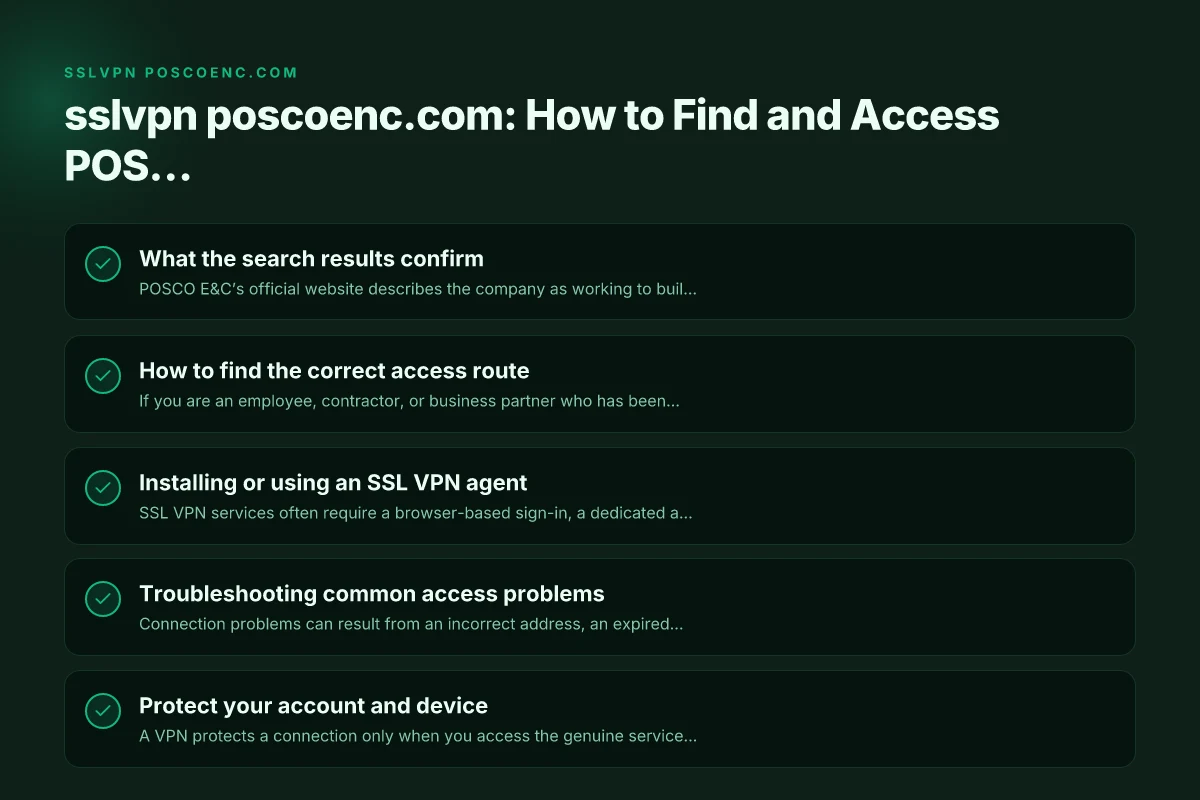
What the search results confirm
POSCO E&C’s official website describes the company as working to build a sustainable future society. Search results also point to a POSCO-related login page at pvdi.posco.net, but the page provides no information that confirms it is the SSL VPN portal for POSCO E&C.
That distinction matters: a familiar company name or a search result is not enough to establish that a URL is the right place to enter your credentials. The results do not confirm that sslvpn.poscoenc.com is an active or authorized address, so do not assume it is correct based on the keyword alone.
| Search result | What it indicates | What it does not establish |
|---|---|---|
| www.poscoenc.com | POSCO E&C’s official website | A specific SSL VPN login URL |
| pvdi.posco.net | A POSCO-related login page appears in search results | That it is the correct VPN service for POSCO E&C |
| SSL VPN guidance from NAVER Cloud | General information about installing and using an SSL VPN agent | That POSCO E&C uses that service or those steps |
How to find the correct access route
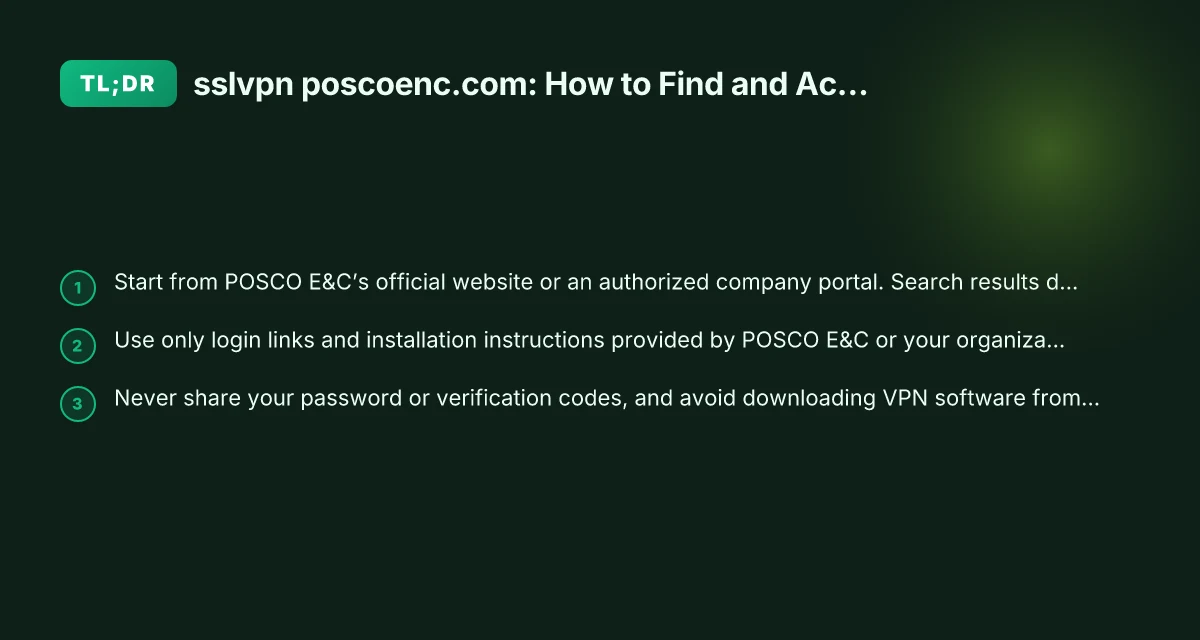
If you are an employee, contractor, or business partner who has been authorized to use remote access, use the instructions given directly by your organization. Check an internal IT notice, onboarding materials, or a support contact you already trust. If you cannot find the instructions, request the exact portal address and setup steps from your POSCO E&C sponsor or IT help desk.
You can use www.poscoenc.com as a starting point to verify the company’s official web presence. However, the public website may not link to internal services, and the search results supplied here do not identify a confirmed VPN endpoint. Do not create or guess a URL by combining “sslvpn” with the company’s domain.
Before signing in, confirm: Free VPN Extension for Edge: How to Choose One
- The full web address matches the one supplied by authorized IT staff.
- The connection uses HTTPS and the browser shows no certificate warning.
- Any required VPN app or agent comes from an official source named in your instructions.
- You have been issued an account and are authorized to connect.
Compare VPN access and setup choices
| Choice | What it involves | Suitable when | Check before use | If it fails |
|---|---|---|---|---|
| Browser-based access | Sign in through an approved web page | IT says no agent is needed | Confirm the official URL | Ask IT whether a client is required |
| SSL VPN agent | Install the company-approved client | Instructions specify an agent | Confirm the download source | Check installation guidance with IT |
| Managed company device | Use the organization’s configured device | Company policy requires managed equipment | Check device compliance | Contact IT support |
| Personal device | Connect only if explicitly allowed | Policy permits personal devices | Confirm security requirements | Do not bypass device restrictions |
| Company account | Authenticate with assigned credentials | Access is authorized | Check account status and sign-in method | Use the official account recovery route |
| Partner access | Follow the partner onboarding process | Access is granted to an external party | Confirm sponsor and permissions | Ask the sponsor or help desk |
Compiled November 2026; check the provider's site for current details.
Installing or using an SSL VPN agent
SSL VPN services often require a browser-based sign-in, a dedicated agent, or both. The exact process depends on the provider and the organization’s configuration. The general NAVER Cloud guide in search results discusses agent installation and access, including a requirement that port 443 be allowed for its own SSL VPN access URL. This is general product guidance, not confirmation that POSCO E&C uses NAVER Cloud or the same settings.
Follow only the installation steps supplied for your approved POSCO E&C access service. If setup requires administrator permissions, device changes, or security software installation, check with IT before proceeding. Do not use a third-party download page simply because it offers an agent with a familiar name.
If you have a confirmed portal but cannot connect, record the error message and contact support. Useful details include your operating system, whether you are on a company-managed device, the time of the failed attempt, and whether you can reach other secure company services. Do not send your password or one-time verification code in a support request. Axgate VPN Client Download: How to Find and Install It Safely
Troubleshooting common access problems
Connection problems can result from an incorrect address, an expired or unapproved account, incomplete agent setup, or a network restriction. Work through these checks without bypassing your organization’s security controls:
- Recheck the address. Compare it character by character with the official instructions. Avoid links from unsolicited emails, messages, or search ads.
- Check your account status. If the login is rejected, ask IT whether your account has been enabled and whether any additional verification is required.
- Review the approved setup guide. Confirm that the required agent is installed and up to date, if your organization requires one.
- Try an approved network. Some services restrict access by network or device. Follow company policy rather than using a proxy or another workaround.
- Contact authorized support. Provide the error text and relevant device details, but keep passwords and verification codes private.
A browser warning about a certificate or an unexpected request to install software is a reason to pause. Do not proceed until IT verifies the site and the requested action.
Protect your account and device
A VPN protects a connection only when you access the genuine service and follow the organization’s security requirements. Treat any unverified page claiming to be a POSCO E&C VPN as potentially unsafe. Lookalike addresses can be used to collect login details or distribute unwanted software.
Use a unique password, complete any required multi-factor authentication, and sign out when finished on a shared device. Do not approve an unexpected sign-in request. If you entered credentials on a page you now suspect was not legitimate, contact your organization’s IT or security team immediately and follow its instructions for protecting your account.
Troubleshoot VPN access problems safely Microsoft Edge Secure Network VPN: What It Does and How to Use It
| Symptom | Safe check | Possible next step | Contact |
|---|---|---|---|
| VPN address cannot be confirmed | Verify it through an official company channel | Request the current approved link | IT help desk |
| Sign-in is rejected | Check account name and approved sign-in method | Use official recovery guidance | IT help desk |
| Agent will not install | Confirm the installer came from an approved source | Follow company installation instructions | IT support |
| Connection does not complete | Check internet access and follow the official setup guide | Retry only as directed | IT help desk |
| Access works on one device only | Check device eligibility and policy | Ask whether the other device is supported | IT support |
| Unexpected login prompt appears | Stop and verify the page address | Report suspicious prompts | Security team |
| Access is no longer needed | Follow company account and access procedures | Request authorized removal | Manager or IT support |
Compiled November 2026; check the provider's site for current details.
Recommendation
For sslvpn poscoenc.com, the safest next step is to obtain the exact VPN URL and installation instructions from POSCO E&C or your authorized company contact. The available search results confirm the official website but do not verify a public SSL VPN endpoint. Do not guess the address or enter credentials on an unconfirmed page.

Renata Uzunov has been writing about consumer technology since 2018, with bylines covering privacy law, Wireguard, and router firmware. Approaches each review by setting up the product the same way a typical reader would and recording every snag along the way.