VPN Extension Edge Free: How to Choose a Free VPN for Microsoft Edge
Find out what free VPN extensions for Edge can do, what to check before installing one, and how to choose safely.
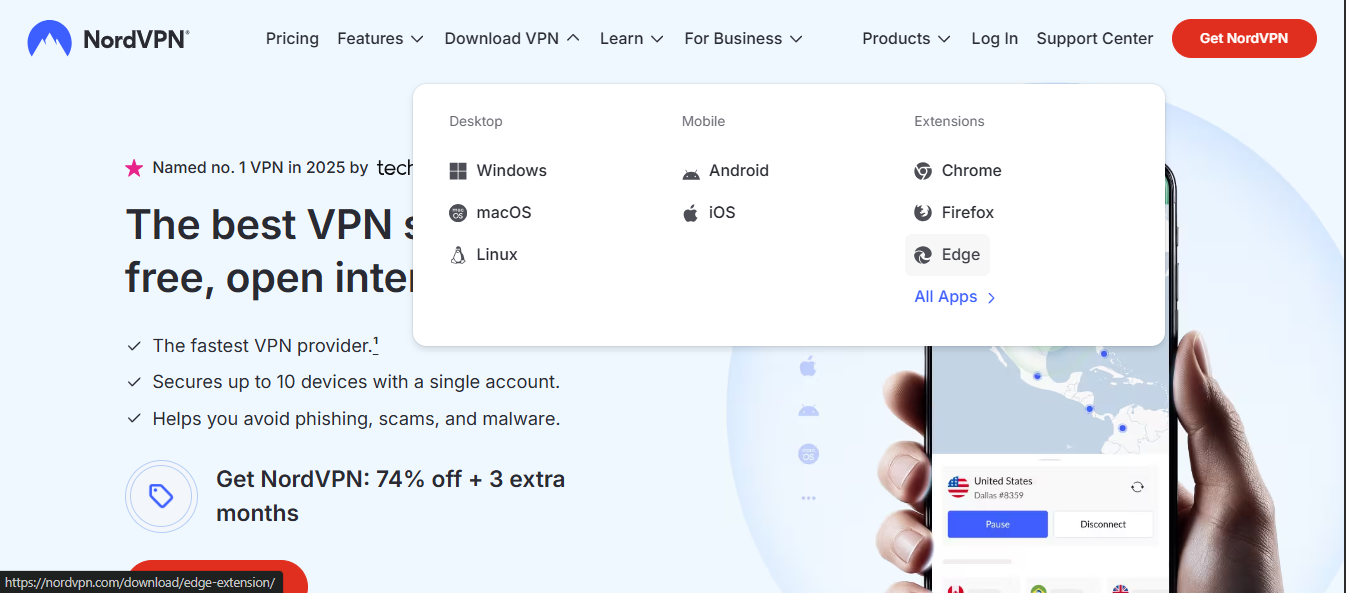
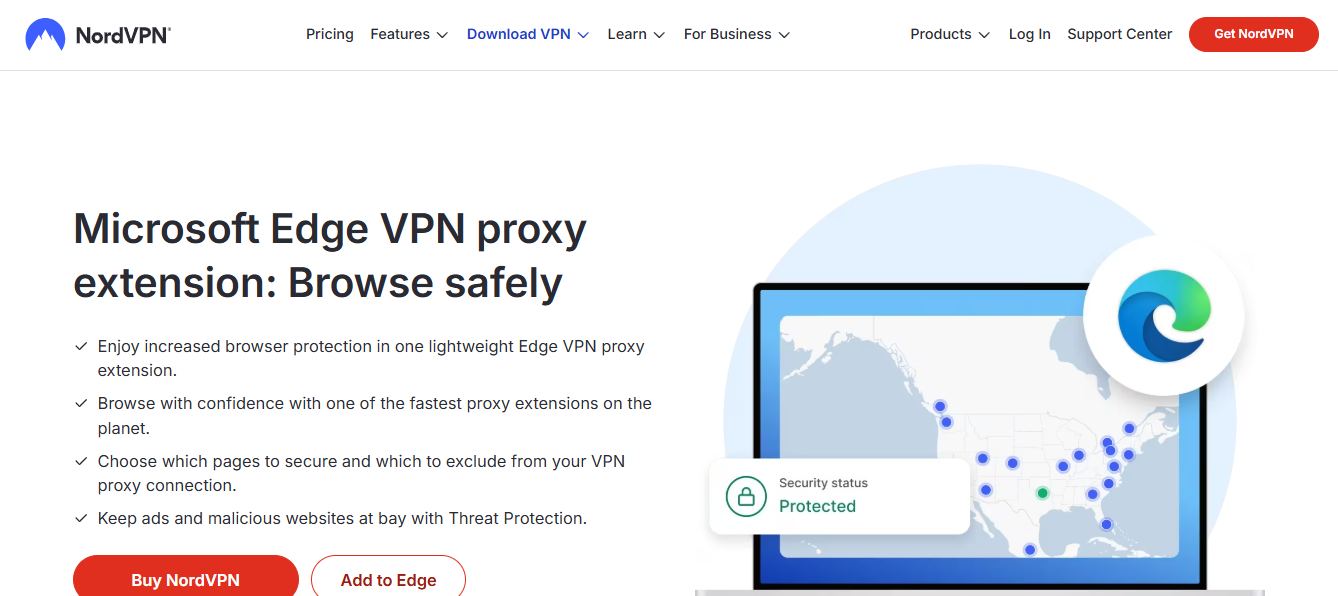
A free VPN extension for Edge can help route browser traffic through a VPN server and mask your usual IP address from websites. Options listed in Microsoft Edge Add-ons include VeePN and Browsec, while providers such as VuzeVPN and FreeVPNPlanet also offer Edge extensions. “Free” does not automatically mean private or suitable for every task, so check how each service handles your data before installing it.
Editor's pick: NordVPN — fast, secure VPN — Strong encryption, a no-logs policy and apps for every device. 30-day money-back guarantee. Get NordVPN →
Free VPN options to check for Edge
| Option | Edge extension | Free-plan allowance | Main strength | Key limitation |
|---|---|---|---|---|
| Proton VPN | Check availability | Free plan | Privacy-focused provider | Extension features may require a paid plan |
| Windscribe | Check availability | Limited monthly data | Browser-extension option | Data cap on free plan |
| PrivadoVPN | Check availability | Limited monthly data | Free VPN plan | Data cap on free plan |
| hide.me | Check availability | Free plan | Established VPN provider | Free-plan features may be limited |
| TunnelBear | Check availability | Limited monthly data | Simple interface | Small free data allowance |
| Opera VPN | No Edge extension | Built into Opera browser | Easy to use in Opera | Works only in Opera |
| Microsoft Edge Secure Network | Built into Edge for eligible users | Limited service | Integrated browser protection | Not a full VPN for all device traffic |
Compiled November 2026; check the provider's site for current details.
| VPN | Obfuscation | From / month | Plan | Free plan | Refund | Alipay | UnionPay | Crypto | Website opens in China | Trustpilot | |
|---|---|---|---|---|---|---|---|---|---|---|---|
 Proton VPN | Turn on manually Stealth, free plan too | $2.99/mo | 12 months: $35.88 | Yes | 30 days | ✗ | ✗ | ✗ | ✓ | ✗ Blocked | 2.1/5 (1,040 reviews) |
 Windscribe | Turn on manually Stealth / WStunnel | $5.75/mo | 12 months: $69 | Yes | See site | ✗ | ✗ | ✗ | ✓ | ✗ Blocked | 4.7/5 (13,355 reviews) |
 ZoogVPN | Turn on manually Shadow | $2.49/mo | 27 months: $59.99 | Yes | 7 days | ✓ | ✓ | ✓ | ✓ | Official site blocked; our special link opens (4.4 s) | 4.2/5 (195 reviews) |
 NordVPN | Turn on manually Obfuscated Servers / NordWhisper | $3.49/mo | 27 months: $94.23 | No | 30 days | ? | ✗ | ✓ | ✓ | ✗ Blocked | 4.2/5 (51,628 reviews) |
 ExpressVPN | ✓ On by default all servers | $3.00/mo | 28 months: $84 | No | 30 days | ✗ | ✗ | ✓ | ✗ | ✗ Blocked | 4.4/5 (29,706 reviews) |
 Surfshark | ✓ On by default Camouflage, with OpenVPN | See site | See site | No | 30 days | ✗ | ✗ | ✗ | ✓ | ✗ Blocked | 4.3/5 (31,823 reviews) |
 Astrill VPN | Turn on manually StealthVPN / OpenWeb | $12.50/mo | 24 months: $300 | No | See site | ✗ | ✗ | ✗ | ✓ | ✗ Blocked | 1.3/5 (110 reviews) |
 Private Internet Access | Turn on manually Shadowsocks, OpenVPN only | $2.03/mo | 40 months: $81.2 | No | 30 days | ✗ | ✗ | ✗ | ✗ | ✗ Blocked | 4.2/5 (11,033 reviews) |
 CyberGhost | Turn on manually selected servers | $2.19/mo | 28 months: $61.32 | No | 45 days | ✗ | ✗ | ✗ | ✓ | ✗ Blocked | 4.0/5 (24,178 reviews) |
 PureVPN | Turn on manually switch to OpenVPN | $1.69/mo | 60 months: $101.55 | No | 31 days | ? | ? | ✗ | ✓ | ✗ Blocked | 4.4/5 (17,994 reviews) |
 AdGuard VPN | ✓ On by default TrustTunnel | $2.99/mo | 24 months: $71.76 | Yes | 30 days | ✓ | ✗ | ✓ | ✓ | Official site blocked; our special link opens (3.7 s) | 4.3/5 (290 reviews) |
 Mullvad | Turn on manually QUIC / Shadowsocks / LWO | $5.61/mo | €5/mo | No | 14 days | ✗ | ✗ | ✗ | ✓ | ✗ Blocked | 3.2/5 (192 reviews) |
 StrongVPN | Turn on manually Scramble, OpenVPN TCP | See site | See site | No | 30 days | ✓ | ✗ | ✗ | ✗ | ✗ Blocked | 4.4/5 (2,695 reviews) |
 LightXtreme 闪连 | Not listed | $7.08/mo | 12 months: $84.99 | Yes | 30 days | ✓ | ✓ | ✓ | ✓ | ✓ Yes (3.5 s) | No page |
Prices checked 2026-11-10 on each vendor's pricing page (cheapest long plan, USD). Check the vendor's checkout for the final price.
Obfuscation checked 2026-11-14 on each vendor's site and help center: "on by default" = nothing to set; "turn on manually" = switch protocol or mode in settings; "not listed" = the vendor describes no obfuscation.
Payment methods checked 2026-11-10 on each vendor's payment pages: all 14 take cards and PayPal; ✗ = not listed, ? = the vendor's own pages disagree.
China access: whether the official website opens from mainland China networks (tests the website only, not the VPN connection). Last checked 2026-11-18 01:02 Beijing time.
Trustpilot score and review count checked 2026-11-10.
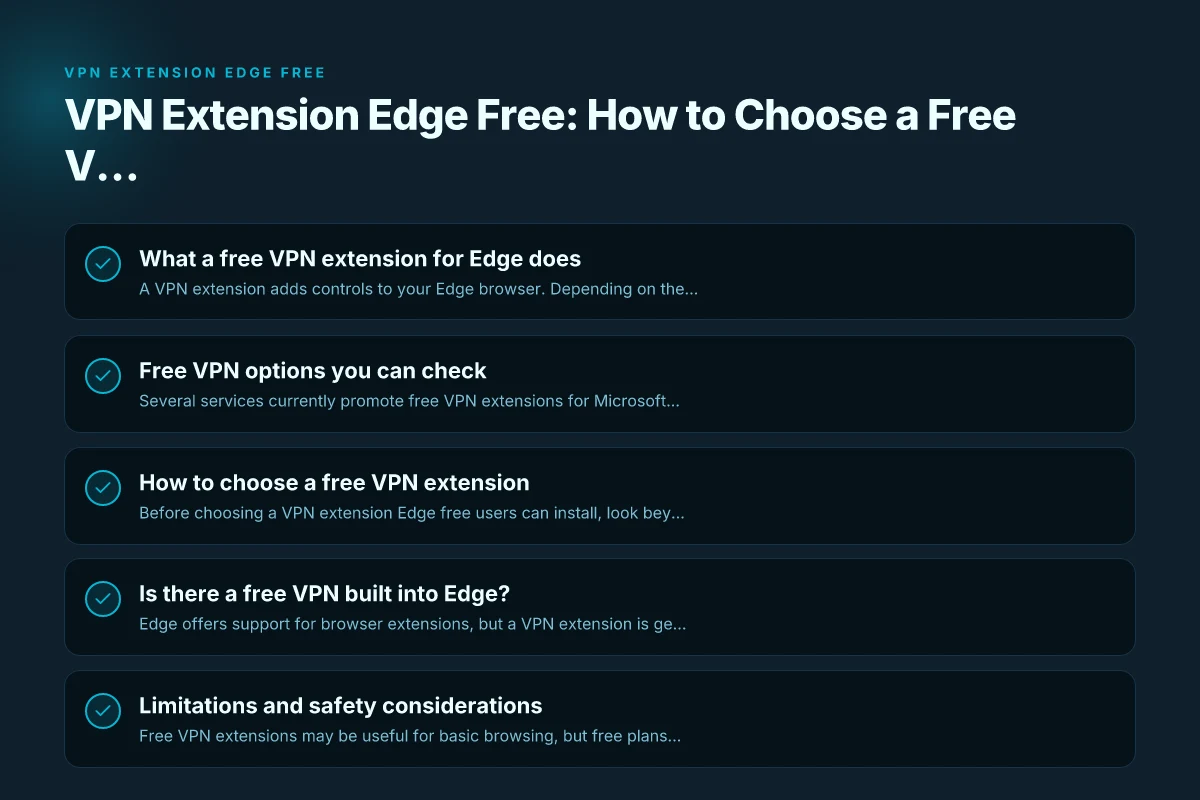
What a free VPN extension for Edge does
A VPN extension adds controls to your Edge browser. Depending on the provider, it may let you connect to a server, change your apparent IP address, and access websites that are unavailable on your current network or location.
Keep in mind that a browser extension and a full-device VPN app are not the same. An extension may cover traffic from Edge while other apps continue using your regular internet connection. Check the provider’s documentation to confirm exactly what is protected.
A VPN extension also does not make you completely anonymous. Websites may still identify you through account sign-ins, cookies, browser settings, or other tracking methods. A VPN is one privacy tool, not a substitute for careful browsing.
Free VPN options you can check
Several services currently promote free VPN extensions for Microsoft Edge. Their features and terms can differ, so compare the details on the provider’s official page and the extension listing before installing.
| Option | Where it is listed or offered | What the listing or provider claims |
|---|---|---|
| VeePN | Microsoft Edge Add-ons and VeePN’s Edge page | A free Edge extension for secure, private browsing; the provider also advertises no ads, no logs, and unlimited data |
| Browsec VPN | Microsoft Edge Add-ons | A free Edge VPN extension intended to protect your IP and support private browsing |
| VuzeVPN | VuzeVPN’s download page | An Edge extension advertised with unlimited VPN access and access to restricted websites |
| FreeVPNPlanet | FreeVPNPlanet’s Edge page | A free Edge extension advertised for hiding your IP and protecting data, with no account required |
Treat these as provider claims, not independent guarantees. For instance, a “no logs” statement is a privacy promise whose meaning depends on the provider’s policy and how it is verified. Read the current terms rather than relying only on a short store description. Nord VPN for PC: How to Download, Install, and Use It
How to choose a free VPN extension
Before choosing a VPN extension Edge free users can install, look beyond the download button. A few checks can help you avoid services that are unclear about privacy or capabilities.
- Read the privacy policy. Check what connection data, browsing information, and account details the provider collects, how long it retains them, and whether it shares them.
- Check the permissions. Make sure the requested access makes sense for the extension’s stated function. Be cautious if the explanation is vague.
- Look for clear limits. Confirm whether the free option has restrictions on servers, speed, data, or features. Do not assume “free” means unlimited.
- Review the publisher. Compare the Edge Add-ons listing with the provider’s official website, and check that the developer names match.
- Check update and support information. Recent updates and clear contact or support details can help you assess whether the extension is maintained.
- Test the connection. After connecting, check whether your apparent IP changes and whether the extension clearly shows when it is connected. Avoid sensitive tasks until you understand how the service works.
How to choose a free VPN extension
| What to compare | What to look for | Why it matters | Watch out for |
|---|---|---|---|
| Edge compatibility | Listed in Microsoft Edge Add-ons or supported by the provider | Confirms it works in Edge | Chrome listing alone does not guarantee support |
| Data allowance | Clear limit and reset schedule | Helps match use to the free plan | Very small caps can interrupt use |
| Privacy policy | Plain explanation of logs and data handling | Shows what information may be collected | Vague promises or unclear ownership |
| Encryption and security | Documented connection protection | Helps protect traffic between browser and VPN | An extension may protect only browser traffic |
| Server locations | Locations stated for the free plan | Affects access and connection choices | Free plans may offer few locations |
| Speed and reliability | Transparent limits and dependable service | Helps with browsing and calls | Free servers may be congested |
| Permissions | Only permissions needed for the service | Limits unnecessary access to browsing data | Broad permissions without explanation |
| Provider reputation | Known company and clear support channels | Makes problems easier to address | Unknown providers with little documentation |
Compiled November 2026; check the provider's site for current details.
Is there a free VPN built into Edge?
Edge offers support for browser extensions, but a VPN extension is generally provided by a third party rather than being a built-in VPN feature of the browser. You can browse the VPN category in Microsoft Edge Add-ons and install a provider’s extension from there, or follow the provider’s official Edge installation instructions.
A browser’s privacy settings and a VPN are also different tools. Tracking prevention may limit some forms of tracking, while a VPN changes how supported traffic is routed. Neither one guarantees that every website or online service will treat your information as private. Urban VPN Edge Extension: What It Does and How to Use It
Limitations and safety considerations
Free VPN extensions may be useful for basic browsing, but free plans can have trade-offs. These can include fewer server choices, limited features, slower connections, or other restrictions. The exact terms vary by provider, so check them before connecting.
Use particular care on public Wi-Fi and when signing in to important accounts. A VPN can add a layer of protection to the connection it covers, but it does not prevent phishing, malware, weak passwords, or unsafe downloads. Keep Edge updated and use a password manager and multi-factor authentication where available.
Be cautious of extensions that make sweeping promises, such as guaranteed anonymity or unrestricted access to every service. Streaming platforms and websites can block VPN connections, and access can change over time. Do not rely on a VPN to bypass rules or terms that apply to an account or network.
Edge VPN and browser-protection choices
| Choice | Protects Edge traffic | Protects other apps | Typical limits | Best suited for |
|---|---|---|---|---|
| VPN browser extension | Usually yes | No | Browser traffic only; plan limits may apply | Protecting browsing in Edge |
| Full VPN app | Yes, when connected | Yes | Free plans may cap data or locations | Whole-device VPN coverage |
| Microsoft Edge Secure Network | Edge browsing in supported regions | No | Availability and features vary | Basic integrated browser protection |
| Proxy extension | Usually browser traffic | No | May not encrypt traffic | Changing apparent browser location |
| No VPN or proxy | No | No | Internet provider sees connections | Unrestricted ordinary browsing |
| Paid VPN extension | Usually yes | No, unless paired with an app | Requires subscription | Regular Edge use with expanded features |
Compiled November 2026; check the provider's site for current details. EY VPN Connect: How to Access It and Troubleshoot Connection Issues
Recommendation
For a VPN extension Edge free users want to try, start with a listing in Microsoft Edge Add-ons or the provider’s official website, then verify the publisher, permissions, privacy policy, and free-plan limits. VeePN and Browsec are among the options shown in Edge Add-ons; VuzeVPN and FreeVPNPlanet also advertise Edge extensions. Choose the service whose data practices and limitations you understand, and remember that an extension may protect only Edge rather than your whole device.

Konrad Osterberg has been writing about consumer technology since 2018, with bylines covering browser fingerprinting, streaming geo-unblocking, and P2P networking. Approaches each review by setting up the product the same way a typical reader would and recording every snag along the way.