Free VPN: What to Know Before You Choose One
Learn what a free VPN can protect, where free plans differ, and how to choose one without overlooking privacy and security.
A free VPN can be useful for protecting traffic on public Wi-Fi or adding privacy to everyday browsing, but the word “free” does not guarantee a safe or suitable service. Some free VPNs impose data or server limits, while others may rely on advertising or collect more information than you expect. Start by checking the provider’s privacy policy, security details, and plan restrictions.
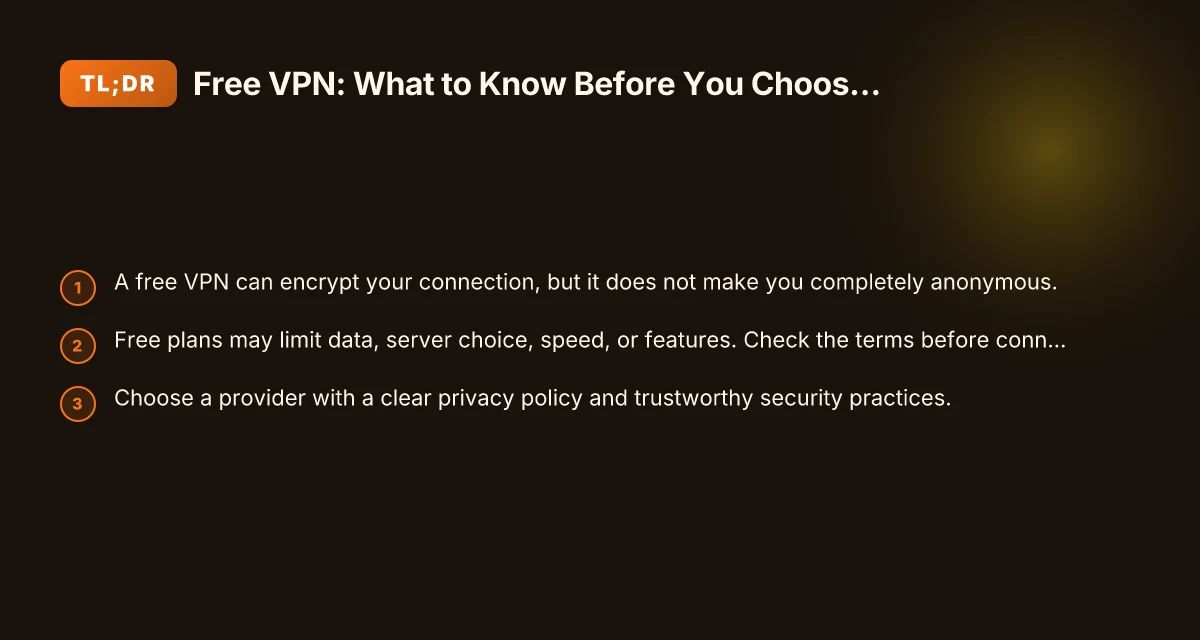
A VPN routes your internet traffic through a VPN server and encrypts the connection between your device and that server. This can make it harder for people on the same network to inspect your traffic. It does not hide every aspect of your online activity, prevent all tracking, or make illegal activity lawful.
| VPN | Obfuscation | From / month | Plan | Free plan | Refund | Alipay | UnionPay | Crypto | Website opens in China | Trustpilot | |
|---|---|---|---|---|---|---|---|---|---|---|---|
 Proton VPN | Turn on manually Stealth, free plan too | $2.99/mo | 12 months: $35.88 | Yes | 30 days | ✗ | ✗ | ✗ | ✓ | ✗ Blocked | 2.1/5 (1,040 reviews) |
 ZoogVPN | Turn on manually Shadow | $2.49/mo | 27 months: $59.99 | Yes | 7 days | ✓ | ✓ | ✓ | ✓ | Official site blocked; our special link opens (4.4 s) | 4.2/5 (195 reviews) |
 NordVPN | Turn on manually Obfuscated Servers / NordWhisper | $3.49/mo | 27 months: $94.23 | No | 30 days | ? | ✗ | ✓ | ✓ | ✗ Blocked | 4.2/5 (51,628 reviews) |
 ExpressVPN | ✓ On by default all servers | $3.00/mo | 28 months: $84 | No | 30 days | ✗ | ✗ | ✓ | ✗ | ✗ Blocked | 4.4/5 (29,706 reviews) |
 Surfshark | ✓ On by default Camouflage, with OpenVPN | See site | See site | No | 30 days | ✗ | ✗ | ✗ | ✓ | ✗ Blocked | 4.3/5 (31,823 reviews) |
 Astrill VPN | Turn on manually StealthVPN / OpenWeb | $12.50/mo | 24 months: $300 | No | See site | ✗ | ✗ | ✗ | ✓ | ✗ Blocked | 1.3/5 (110 reviews) |
 Private Internet Access | Turn on manually Shadowsocks, OpenVPN only | $2.03/mo | 40 months: $81.2 | No | 30 days | ✗ | ✗ | ✗ | ✗ | ✗ Blocked | 4.2/5 (11,033 reviews) |
 CyberGhost | Turn on manually selected servers | $2.19/mo | 28 months: $61.32 | No | 45 days | ✗ | ✗ | ✗ | ✓ | ✗ Blocked | 4.0/5 (24,178 reviews) |
 PureVPN | Turn on manually switch to OpenVPN | $1.69/mo | 60 months: $101.55 | No | 31 days | ? | ? | ✗ | ✓ | ✗ Blocked | 4.4/5 (17,994 reviews) |
 AdGuard VPN | ✓ On by default TrustTunnel | $2.99/mo | 24 months: $71.76 | Yes | 30 days | ✓ | ✗ | ✓ | ✓ | Official site blocked; our special link opens (3.7 s) | 4.3/5 (290 reviews) |
 Mullvad | Turn on manually QUIC / Shadowsocks / LWO | $5.61/mo | €5/mo | No | 14 days | ✗ | ✗ | ✗ | ✓ | ✗ Blocked | 3.2/5 (192 reviews) |
 Windscribe | Turn on manually Stealth / WStunnel | $5.75/mo | 12 months: $69 | Yes | See site | ✗ | ✗ | ✗ | ✓ | ✗ Blocked | 4.7/5 (13,355 reviews) |
 StrongVPN | Turn on manually Scramble, OpenVPN TCP | See site | See site | No | 30 days | ✓ | ✗ | ✗ | ✗ | ✗ Blocked | 4.4/5 (2,695 reviews) |
 LightXtreme 闪连 | Not listed | $7.08/mo | 12 months: $84.99 | Yes | 30 days | ✓ | ✓ | ✓ | ✓ | ✓ Yes (3.5 s) | No page |
Prices checked 2026-11-10 on each vendor's pricing page (cheapest long plan, USD). Check the vendor's checkout for the final price.
Obfuscation checked 2026-11-14 on each vendor's site and help center: "on by default" = nothing to set; "turn on manually" = switch protocol or mode in settings; "not listed" = the vendor describes no obfuscation.
Payment methods checked 2026-11-10 on each vendor's payment pages: all 14 take cards and PayPal; ✗ = not listed, ? = the vendor's own pages disagree.
China access: whether the official website opens from mainland China networks (tests the website only, not the VPN connection). Last checked 2026-11-18 01:02 Beijing time.
Trustpilot score and review count checked 2026-11-10.
Editor's pick: NordVPN — fast, secure VPN — Strong encryption, a no-logs policy and apps for every device. 30-day money-back guarantee. Get NordVPN →
Key features to compare when evaluating a free VPN
| Feature | What to check | Why it matters | Warning sign |
|---|---|---|---|
| Data allowance | Monthly limit or unlimited use | Determines how much you can browse or stream | Limit is unclear |
| Server locations | Available countries and locations | Affects access and connection choices | Very few locations |
| Connection speed | Performance during typical use | Slowdowns can make everyday tasks difficult | Speed is not explained |
| Privacy policy | Data collected and how it is used | Shows whether your activity may be tracked | Vague data practices |
| Logging policy | Whether activity or connection logs are kept | Helps assess privacy protections | Logging terms are unclear |
| Security features | Encryption and connection protection | Helps protect data on the network | Security details are missing |
| Device support | Compatible devices and operating systems | Confirms the service works with your devices | Your devices are unsupported |
| Business model | How the provider funds the service | Helps identify trade-offs behind a free plan | Funding practices are unclear |
Compiled November 2026; check the provider's site for current details.
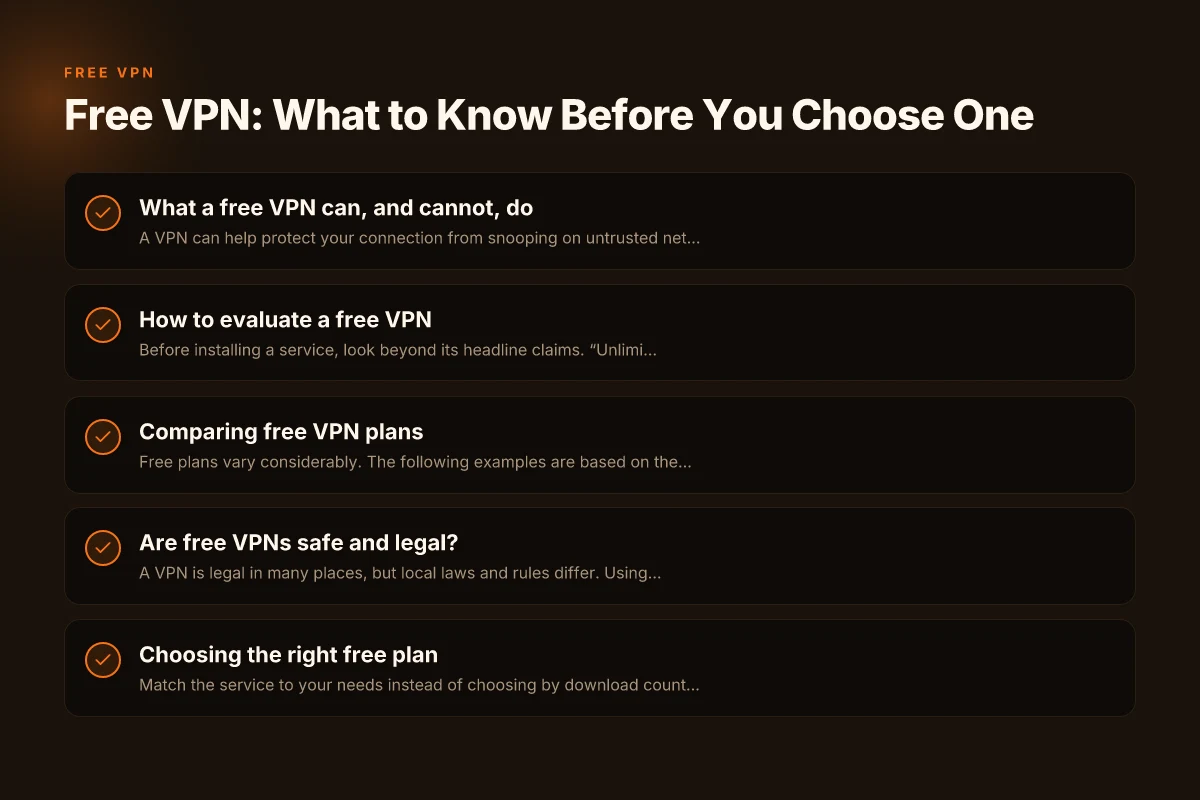
What a free VPN can, and cannot, do
A VPN can help protect your connection from snooping on untrusted networks and can change the public IP address websites see to the VPN server’s address. These features can be helpful when you travel or use shared Wi-Fi.
However, a VPN is not a substitute for secure websites, strong passwords, or careful browsing. Websites may still identify you through account logins, cookies, browser settings, or other tracking methods. Your VPN provider may also be able to see some connection information, so choosing a provider requires trust.
A VPN generally cannot:
- Guarantee complete anonymity online
- Stop malware or phishing by itself
- Prevent a website from recognizing you when you sign in
- Make every streaming service or website accessible
- Keep your activity private if the provider logs or shares relevant data
How to evaluate a free VPN
Before installing a service, look beyond its headline claims. “Unlimited,” “anonymous,” or “secure” are not enough on their own. Read the privacy policy and look for clear explanations of what is collected, how long it is retained, and whether it is shared with third parties.
Check these details: Sslvpn poscoenc.com: How to Find and Access POSCO E&C’s VPN
- Logging: Does the provider explain whether it records browsing activity, connection details, or device information?
- Data limits: Is there a monthly cap, or is use described as unlimited?
- Servers: How many locations are available, and can you choose one?
- Security: Does the service explain its encryption and connection protections?
- Business model: If the service is free, how does it fund its operation?
- Apps and permissions: Download from the provider’s official website or a reputable app store, and review requested permissions.
A free service can be legitimate, but a provider still needs a way to operate. Understand that model rather than assuming the service has no trade-offs.
Comparing free VPN plans
Free plans vary considerably. The following examples are based on the services’ current descriptions in the search results. Features and terms can change, so verify details directly with each provider before signing up.
| Service | What its listing or description highlights | What to check |
|---|---|---|
| Proton VPN Free | No data limit, no ads, and no logs of user activity, according to Proton VPN | Available locations, features, and current plan terms |
| VeePN for Chrome | Its Chrome Web Store listing promotes unlimited traffic and bandwidth | Whether the browser extension protects only browser traffic and how the provider handles data |
| Urban VPN | Promotes access to 82 VPN countries and unlimited location switches | Privacy practices, security details, and the meaning of its anonymity claims |
| Bright VPN | Promotes unblocking websites and access from over 150 countries | How the service works, what information it collects, and its plan conditions |
| Free VPN by Free VPN.org | Its Google Play listing describes one-tap access without registration or payment details | App permissions, privacy policy, and security information |
These descriptions are not a guarantee that every feature will work for every user. A browser extension, for example, may cover only browser traffic rather than all internet activity on your device. Confirm what the specific app or extension protects.
Compare free VPN plans by practical trade-offs
| Plan aspect | Plan A | Plan B | Plan C |
|---|---|---|---|
| Data allowance | Check the stated limit | Check the stated limit | Check the stated limit |
| Server choice | Review available locations | Review available locations | Review available locations |
| Speed | Check expected performance | Check expected performance | Check expected performance |
| Device support | Confirm your devices work | Confirm your devices work | Confirm your devices work |
| Privacy terms | Read the data policy | Read the data policy | Read the data policy |
| Ads | Check whether ads appear | Check whether ads appear | Check whether ads appear |
| Streaming support | Test the services you use | Test the services you use | Test the services you use |
| Upgrade pressure | Note paid-plan prompts | Note paid-plan prompts | Note paid-plan prompts |
Compiled November 2026; check the provider's site for current details. Free VPN Extension for Edge: How to Choose One
Are free VPNs safe and legal?
A VPN is legal in many places, but local laws and rules differ. Using a VPN does not exempt you from laws or from a website’s terms of service. If you are travelling, check the rules that apply where you are.
Safety depends on the provider and how you use the service. Avoid apps that offer vague privacy information, request unnecessary permissions, or make sweeping promises without explaining how they work. Keep your operating system and browser updated, use multifactor authentication where possible, and avoid entering sensitive information on suspicious websites.
A VPN also does not make you invisible to authorities. A provider may hold information that could be disclosed under applicable legal processes, depending on its policies and the law. The practical answer to “Can the FBI see through a VPN?” is that a VPN is not a guarantee against lawful investigation or identification. It changes the path and visibility of some traffic. It does not erase every record or hide activity from every party.
Choosing the right free plan
Match the service to your needs instead of choosing by download count or bold marketing claims.
- For frequent use, check whether the data allowance is sufficient, or whether the plan has no data cap.
- For a particular country, confirm that the free plan offers a server location there.
- For a browser-only need, check whether an extension covers the traffic you want to protect.
- For privacy, prioritize a clear policy and transparent security information over promises of total anonymity.
- For sensitive work, consider whether a free plan’s limitations and provider model meet your requirements.
Also check whether the free plan has ads, speed restrictions, fewer features, or limits on simultaneous connections. These conditions can affect the experience even when the service costs nothing. Axgate VPN Client Download: How to Find and Install It Safely
Choose a free VPN plan for your needs
| Your priority | What to look for | Trade-off to consider | Check before choosing |
|---|---|---|---|
| Occasional browsing | A free plan with a workable allowance | Fewer features than paid plans | Data limits and privacy terms |
| Public Wi-Fi use | Clear security protections | Free plans may limit server choice | Security details and device support |
| Access to a particular region | Servers in the needed location | Free plans may offer fewer locations | Available countries |
| Streaming | Reliable performance and service support | Streaming may be restricted | Test the services you use |
| Several devices | Support for your devices | Device limits may apply | Compatibility and connection terms |
| Strong privacy | A clear, trustworthy privacy policy | Free service terms may involve trade-offs | Logging and data collection |
| Avoiding ads | A plan with clear ad practices | Ad-free use may require an upgrade | How the provider funds the service |
| Long-term use | Terms that fit your regular needs | A free plan may feel restrictive | Limits, features, and upgrade prompts |
Compiled November 2026; check the provider's site for current details.
Recommendation
A free VPN can be a sensible starting point for basic browsing protection, provided you understand its limits and trust the provider. Compare privacy policies, data limits, server options, and the exact coverage of the app before installing it. If a service makes exaggerated claims or will not explain its data practices, choose another option.

Kira Zilberman has been writing about consumer technology since 2018, with bylines covering router firmware, P2P networking, and secure messaging. Approaches each review by setting up the product the same way a typical reader would and recording every snag along the way.