NordVPN in China: Does It Work and How to Prepare

Learn whether NordVPN works in China, what to do before traveling, and how to troubleshoot connection problems.
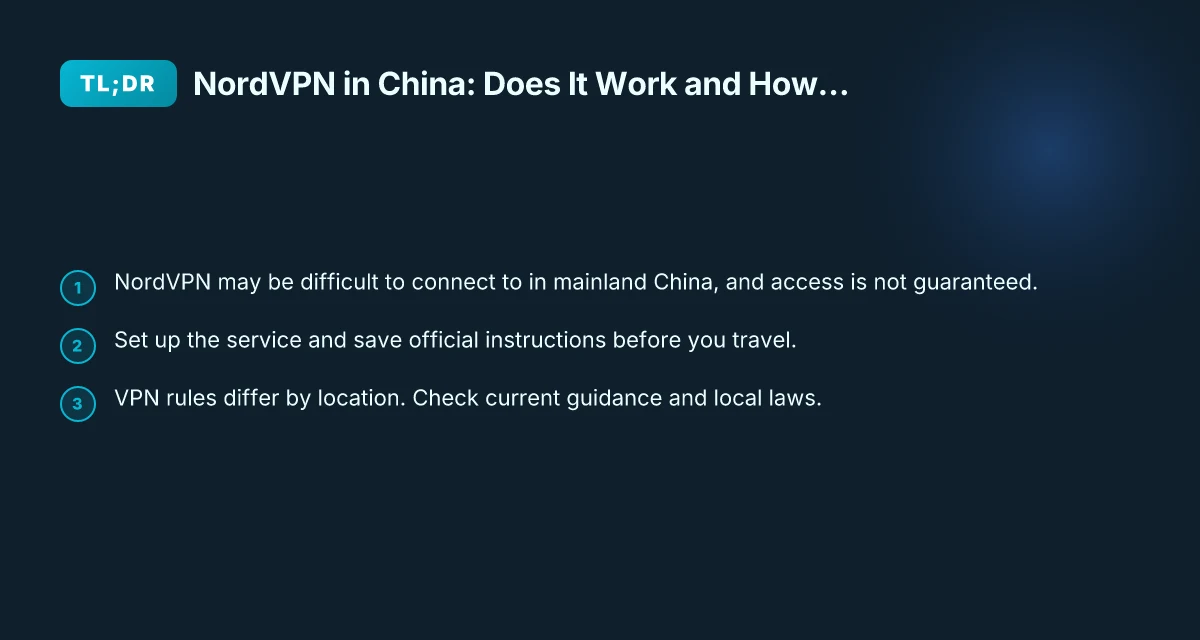
NordVPN in China can be difficult to use: the service’s own support pages say that connections may fail, and its Android and iOS apps are blocked there. If you are planning a trip, do not assume that installing the app after arrival will be enough. Prepare in advance, check NordVPN’s current instructions for your device, and have an alternative plan for internet access.

Editor's pick: NordVPN — fast, secure VPN — Strong encryption, a no-logs policy and apps for every device. 30-day money-back guarantee. Get NordVPN →
Pre-travel VPN preparation checklist
| Preparation | What to do | When | Why it helps |
|---|---|---|---|
| Install NordVPN | Install the app on each device | Before departure | Access may be restricted in China |
| Sign in | Confirm your account works | Before departure | Avoid login issues while traveling |
| Update the app | Install the latest available version | Before departure | Includes current fixes and features |
| Save support details | Keep support links or contact information | Before departure | Useful if the app has problems |
| Test connections | Try several available servers | Before departure | Find options that work on your network |
| Review settings | Learn where connection options are | Before departure | Makes troubleshooting faster |
| Prepare alternatives | Consider another way to access essential services | Before departure | VPN availability can change |
| Check local rules | Review current legal guidance | Before and during travel | Requirements may vary |
Compiled November 2026; check the provider's site for current details.
| VPN | Obfuscation | From / month | Plan | Free plan | Refund | Alipay | UnionPay | Crypto | Website opens in China | Trustpilot | |
|---|---|---|---|---|---|---|---|---|---|---|---|
 NordVPN | Turn on manually Obfuscated Servers / NordWhisper | $3.49/mo | 27 months: $94.23 | No | 30 days | ? | ✗ | ✓ | ✓ | ✗ Blocked | 4.2/5 (51,628 reviews) |
 ZoogVPN | Turn on manually Shadow | $2.49/mo | 27 months: $59.99 | Yes | 7 days | ✓ | ✓ | ✓ | ✓ | Official site blocked; our special link opens (4.4 s) | 4.2/5 (195 reviews) |
 ExpressVPN | ✓ On by default all servers | $3.00/mo | 28 months: $84 | No | 30 days | ✗ | ✗ | ✓ | ✗ | ✗ Blocked | 4.4/5 (29,706 reviews) |
 Surfshark | ✓ On by default Camouflage, with OpenVPN | See site | See site | No | 30 days | ✗ | ✗ | ✗ | ✓ | ✗ Blocked | 4.3/5 (31,823 reviews) |
 Proton VPN | Turn on manually Stealth, free plan too | $2.99/mo | 12 months: $35.88 | Yes | 30 days | ✗ | ✗ | ✗ | ✓ | ✗ Blocked | 2.1/5 (1,040 reviews) |
 Astrill VPN | Turn on manually StealthVPN / OpenWeb | $12.50/mo | 24 months: $300 | No | See site | ✗ | ✗ | ✗ | ✓ | ✗ Blocked | 1.3/5 (110 reviews) |
 Private Internet Access | Turn on manually Shadowsocks, OpenVPN only | $2.03/mo | 40 months: $81.2 | No | 30 days | ✗ | ✗ | ✗ | ✗ | ✗ Blocked | 4.2/5 (11,033 reviews) |
 CyberGhost | Turn on manually selected servers | $2.19/mo | 28 months: $61.32 | No | 45 days | ✗ | ✗ | ✗ | ✓ | ✗ Blocked | 4.0/5 (24,178 reviews) |
 PureVPN | Turn on manually switch to OpenVPN | $1.69/mo | 60 months: $101.55 | No | 31 days | ? | ? | ✗ | ✓ | ✗ Blocked | 4.4/5 (17,994 reviews) |
 AdGuard VPN | ✓ On by default TrustTunnel | $2.99/mo | 24 months: $71.76 | Yes | 30 days | ✓ | ✗ | ✓ | ✓ | Official site blocked; our special link opens (3.7 s) | 4.3/5 (290 reviews) |
 Mullvad | Turn on manually QUIC / Shadowsocks / LWO | $5.61/mo | €5/mo | No | 14 days | ✗ | ✗ | ✗ | ✓ | ✗ Blocked | 3.2/5 (192 reviews) |
 Windscribe | Turn on manually Stealth / WStunnel | $5.75/mo | 12 months: $69 | Yes | See site | ✗ | ✗ | ✗ | ✓ | ✗ Blocked | 4.7/5 (13,355 reviews) |
 StrongVPN | Turn on manually Scramble, OpenVPN TCP | See site | See site | No | 30 days | ✓ | ✗ | ✗ | ✗ | ✗ Blocked | 4.4/5 (2,695 reviews) |
 LightXtreme 闪连 | Not listed | $7.08/mo | 12 months: $84.99 | Yes | 30 days | ✓ | ✓ | ✓ | ✓ | ✓ Yes (3.5 s) | No page |
Prices checked 2026-11-10 on each vendor's pricing page (cheapest long plan, USD). Check the vendor's checkout for the final price.
Obfuscation checked 2026-11-14 on each vendor's site and help center: "on by default" = nothing to set; "turn on manually" = switch protocol or mode in settings; "not listed" = the vendor describes no obfuscation.
Payment methods checked 2026-11-10 on each vendor's payment pages: all 14 take cards and PayPal; ✗ = not listed, ? = the vendor's own pages disagree.
China access: whether the official website opens from mainland China networks (tests the website only, not the VPN connection). Last checked 2026-11-18 01:02 Beijing time.
Trustpilot score and review count checked 2026-11-10.
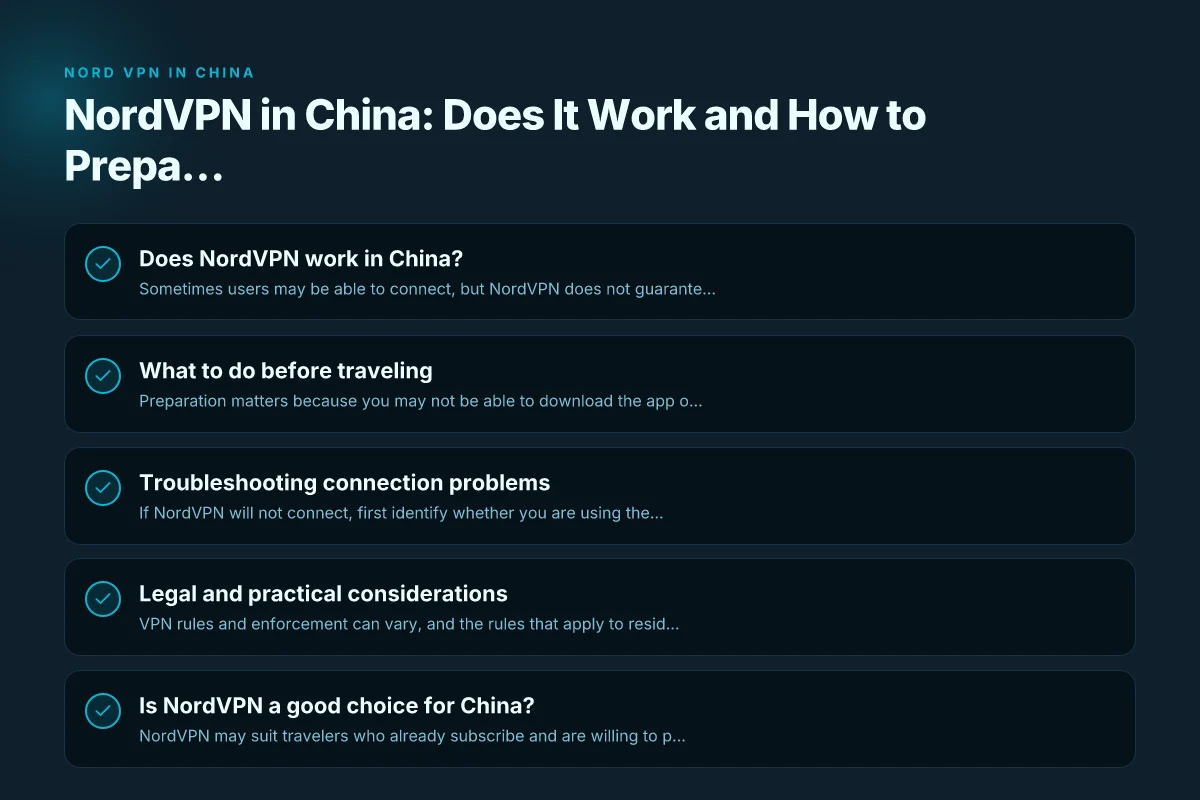
Does NordVPN work in China?
Sometimes users may be able to connect, but NordVPN does not guarantee reliable access in mainland China. Internet restrictions and network conditions can interfere with VPN connections, so an app may remain stuck on “Connecting” or show an error. Reports from travelers also describe mixed experiences, ranging from successful connections after extra setup to no connection at all.
NordVPN’s support documentation specifically addresses connection problems in China. Separate support pages state that the NordVPN apps for Android and iOS are blocked there and describe manual IKEv2/IPsec setup as an option for those platforms. This is a workaround to consider, not a promise that a connection will succeed.
| Question | Practical answer |
|---|---|
| Can you use NordVPN in China? | It may be possible, but access can be unreliable. |
| Will the mobile app work? | NordVPN says its Android and iOS apps are blocked in China. |
| Is manual setup available? | NordVPN provides IKEv2/IPsec instructions for Android and iOS. |
| Does NordVPN have a server in mainland China? | Do not assume it does; check NordVPN’s current server list. |
| Is a connection guaranteed? | No. Prepare for the possibility that it will not connect. |
What to do before traveling
Preparation matters because you may not be able to download the app or open support pages once you arrive. Before departure, use NordVPN’s official site and support materials to confirm what currently applies to your account, device, and destination.
A sensible checklist:
- Create your account and install the NordVPN app while you still have access to it.
- Sign in and test the app on your device before traveling.
- Read the current NordVPN support article for connecting from China.
- For Android or iOS, review the relevant IKEv2/IPsec manual setup instructions.
- Save those instructions offline, along with your account recovery details and support contact information.
- Check whether your intended devices and operating systems are covered by the instructions.
- Keep another way to access important services if the VPN does not connect.
Do not rely on a search result or an old setup guide alone. Connection methods and support advice can change. Confirm details with NordVPN shortly before departure, and avoid waiting until you are on a restricted network to troubleshoot. Does Microsoft Edge Have VPN? What Edge Secure Network Does
Troubleshooting connection problems
If NordVPN will not connect, first identify whether you are using the app or a manual connection. NordVPN’s support pages give China-specific guidance, including separate instructions for Android and iOS.
Try these steps:
- Check NordVPN’s current China troubleshooting article for your device.
- If you use Android or iOS, follow the official manual IKEv2/IPsec setup guide rather than assuming the app will work.
- Review the setup details carefully, including the server and account information required by NordVPN’s instructions.
- Restart the device and network connection, then try again.
- If the problem continues, contact NordVPN support using a channel you can access.
A manual setup may help in some situations, but it does not remove the uncertainty of connecting from China. Repeatedly changing settings without checking the official instructions can make it harder to identify the problem. If you need dependable access for work or essential communication, arrange a backup before you travel.
Troubleshooting NordVPN connection problems
| Problem | First step | Next option | Keep in mind |
|---|---|---|---|
| App will not connect | Check your internet connection | Try another available server | Access can vary |
| Connection drops | Reconnect to the VPN | Try a different network | Network conditions may change |
| App will not open | Restart the app | Restart the device | Keep the app updated |
| Slow connection | Test another server | Compare another network | Speed varies by location |
| Sign-in fails | Check account details | Contact NordVPN support | Save support information in advance |
| A website will not load | Disconnect and reconnect | Try another server | Some services may remain unavailable |
| No server option works | Check for app updates | Seek support or use an alternative | VPN access is not guaranteed |
Compiled November 2026; check the provider's site for current details. How to Enable VPN in Edge: Turn On Microsoft Edge Secure Network
Legal and practical considerations
VPN rules and enforcement can vary, and the rules that apply to residents, businesses, and visitors may not be identical. Search results commonly summarize China’s policy as permitting government-approved VPN services, while noting that NordVPN does not have a government license. This article is not legal advice. Check current official guidance and understand the rules that apply to your circumstances.
Also consider practical limits:
- A VPN cannot guarantee access to every website or service.
- A connection can be disrupted by network restrictions or changes.
- You may be unable to reach the VPN provider’s website or support pages after arrival.
- A VPN is not a substitute for keeping important files and contact details available offline.
If using a VPN is important to your plans, research current local requirements before traveling and make a backup plan that does not depend on one provider.
Is NordVPN a good choice for China?
NordVPN may suit travelers who already subscribe and are willing to prepare, but it is a risky choice if you need a guaranteed connection. The key drawbacks are the reported connection difficulties and the blocked Android and iOS apps. Manual IKEv2/IPsec setup offers a documented option for mobile devices, but no setup method should be treated as certain to work.
Recommendation
Install and test NordVPN before your trip, save the current official setup instructions offline, and prepare an alternative for essential internet access. If uninterrupted VPN access is critical, do not rely on NordVPN alone in China. Verify current conditions and legal guidance before you go. VPN Extension Edge: How to Choose and Use One Safely

Kira Zilberman has been writing about consumer technology since 2018, with bylines covering router firmware, P2P networking, and secure messaging. Approaches each review by setting up the product the same way a typical reader would and recording every snag along the way.