IPsec VPN: What It Is, How It Works, and When to Use It

Learn how an IPsec VPN protects network traffic, how it works, and how it compares with other VPN approaches.
An IPsec VPN is a virtual private network that uses the IPsec protocol suite to protect communications over a public network, such as the internet. It can create a secure connection between two networks or allow a remote user to reach resources on a private network. IPsec helps protect traffic through authentication and encryption, depending on how the VPN is configured.

Editor's pick: NordVPN — fast, secure VPN — Strong encryption, a no-logs policy and apps for every device. 30-day money-back guarantee. Get NordVPN →
Compare IPsec VPN and SSL VPN by connection model and typical use
| Comparison point | IPsec VPN | SSL VPN |
|---|---|---|
| Typical network layer | Network layer | Application or transport layer |
| Common protocols | ESP, AH, IKE | TLS |
| Typical access | Entire network or subnet | Specific applications or resources |
| Common use | Site-to-site links, remote access | Remote access to selected services |
| Client requirements | Often requires a VPN client | May work through a browser or client |
| Traffic coverage | Can protect IP traffic broadly | Usually limits access to configured services |
| Network compatibility | May need firewall or NAT configuration | Often works over standard HTTPS |
| Best fit | Connecting networks or full-device access | Narrow, user-specific application access |
Compiled November 2026; check the provider's site for current details.
| VPN | Obfuscation | From / month | Plan | Free plan | Refund | Alipay | UnionPay | Crypto | Website opens in China | Trustpilot | |
|---|---|---|---|---|---|---|---|---|---|---|---|
 ZoogVPN | Turn on manually Shadow | $2.49/mo | 27 months: $59.99 | Yes | 7 days | ✓ | ✓ | ✓ | ✓ | Official site blocked; our special link opens (4.4 s) | 4.2/5 (195 reviews) |
 NordVPN | Turn on manually Obfuscated Servers / NordWhisper | $3.49/mo | 27 months: $94.23 | No | 30 days | ? | ✗ | ✓ | ✓ | ✗ Blocked | 4.2/5 (51,628 reviews) |
 ExpressVPN | ✓ On by default all servers | $3.00/mo | 28 months: $84 | No | 30 days | ✗ | ✗ | ✓ | ✗ | ✗ Blocked | 4.4/5 (29,706 reviews) |
 Surfshark | ✓ On by default Camouflage, with OpenVPN | See site | See site | No | 30 days | ✗ | ✗ | ✗ | ✓ | ✗ Blocked | 4.3/5 (31,823 reviews) |
 Proton VPN | Turn on manually Stealth, free plan too | $2.99/mo | 12 months: $35.88 | Yes | 30 days | ✗ | ✗ | ✗ | ✓ | ✗ Blocked | 2.1/5 (1,040 reviews) |
 Astrill VPN | Turn on manually StealthVPN / OpenWeb | $12.50/mo | 24 months: $300 | No | See site | ✗ | ✗ | ✗ | ✓ | ✗ Blocked | 1.3/5 (110 reviews) |
 Private Internet Access | Turn on manually Shadowsocks, OpenVPN only | $2.03/mo | 40 months: $81.2 | No | 30 days | ✗ | ✗ | ✗ | ✗ | ✗ Blocked | 4.2/5 (11,033 reviews) |
 CyberGhost | Turn on manually selected servers | $2.19/mo | 28 months: $61.32 | No | 45 days | ✗ | ✗ | ✗ | ✓ | ✗ Blocked | 4.0/5 (24,178 reviews) |
 PureVPN | Turn on manually switch to OpenVPN | $1.69/mo | 60 months: $101.55 | No | 31 days | ? | ? | ✗ | ✓ | ✗ Blocked | 4.4/5 (17,994 reviews) |
 AdGuard VPN | ✓ On by default TrustTunnel | $2.99/mo | 24 months: $71.76 | Yes | 30 days | ✓ | ✗ | ✓ | ✓ | Official site blocked; our special link opens (3.7 s) | 4.3/5 (290 reviews) |
 Mullvad | Turn on manually QUIC / Shadowsocks / LWO | $5.61/mo | €5/mo | No | 14 days | ✗ | ✗ | ✗ | ✓ | ✗ Blocked | 3.2/5 (192 reviews) |
 Windscribe | Turn on manually Stealth / WStunnel | $5.75/mo | 12 months: $69 | Yes | See site | ✗ | ✗ | ✗ | ✓ | ✗ Blocked | 4.7/5 (13,355 reviews) |
 StrongVPN | Turn on manually Scramble, OpenVPN TCP | See site | See site | No | 30 days | ✓ | ✗ | ✗ | ✗ | ✗ Blocked | 4.4/5 (2,695 reviews) |
 LightXtreme 闪连 | Not listed | $7.08/mo | 12 months: $84.99 | Yes | 30 days | ✓ | ✓ | ✓ | ✓ | ✓ Yes (3.5 s) | No page |
Prices checked 2026-11-10 on each vendor's pricing page (cheapest long plan, USD). Check the vendor's checkout for the final price.
Obfuscation checked 2026-11-14 on each vendor's site and help center: "on by default" = nothing to set; "turn on manually" = switch protocol or mode in settings; "not listed" = the vendor describes no obfuscation.
Payment methods checked 2026-11-10 on each vendor's payment pages: all 14 take cards and PayPal; ✗ = not listed, ? = the vendor's own pages disagree.
China access: whether the official website opens from mainland China networks (tests the website only, not the VPN connection). Last checked 2026-11-18 01:02 Beijing time.
Trustpilot score and review count checked 2026-11-10.
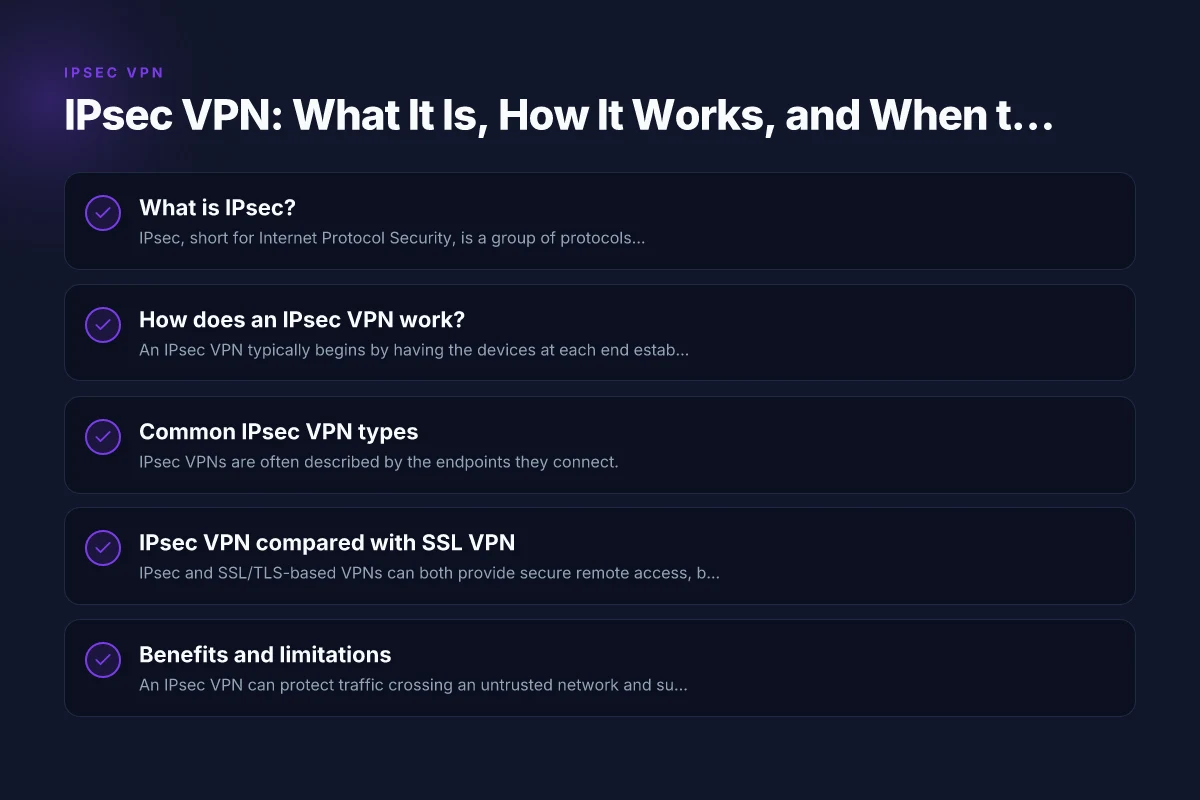
What is IPsec?
IPsec, short for Internet Protocol Security, is a group of protocols for securing data sent over IP networks. Rather than being a single VPN protocol, it provides a framework that devices use to authenticate one another and protect traffic.
An IPsec VPN applies these protections to a VPN connection. Once the connection is established, devices can send IP traffic through it as if they were communicating over a private path, even though the traffic crosses shared infrastructure.
Common uses include:
- Connecting separate office or cloud networks.
- Giving remote employees secure access to internal systems.
- Protecting traffic between compatible network devices.
The VPN itself does not guarantee that every connected device or application is safe. It protects traffic within the scope of its configuration. Organizations still need appropriate access controls and endpoint security.
How does an IPsec VPN work?
An IPsec VPN typically begins by having the devices at each end establish trust and agree on how to protect traffic. They negotiate security settings, authenticate the endpoints, and set up the protected connection. After that, traffic covered by the VPN policy can be encrypted and authenticated as it travels across the network. Urban VPN Extension for Edge: How to Install and Use It
The process can be understood in three broad steps:
- Negotiation: The endpoints agree on security parameters and how the connection will be protected.
- Authentication: Each endpoint verifies the other using the configured method.
- Protected data transfer: The devices apply the agreed protections to eligible traffic moving through the VPN.
IPsec can operate in different modes. Tunnel mode protects an entire IP packet by encapsulating it inside another packet. It is commonly used for VPN connections between networks and for remote access. Transport mode protects the data portion of an IP packet while leaving its original IP header visible. It is used less often for typical VPN tunnels.
The exact setup depends on the VPN devices and policies at both ends. Mismatched settings can prevent a connection from forming, while overly broad access rules can expose more resources than intended.
Compare common IPsec VPN types
| Type | Endpoints | Access scope | Typical users | Main purpose |
|---|---|---|---|---|
| Site-to-site | Gateway to gateway | Network to network | Organizations | Connect office networks |
| Remote access | Device to gateway | Device to private network | Remote employees | Secure access from outside |
| Host-to-host | Device to device | Selected hosts | Specialized deployments | Protect direct host communication |
| Policy-based | Gateways or devices | Traffic selected by rules | Network administrators | Apply protection to matching traffic |
| Route-based | Gateways or devices | Traffic routed through a tunnel interface | Network administrators | Integrate tunnels with routing |
| Transport mode | Host to host | Payload of an IP packet | Specialized deployments | Protect communication between hosts |
| Tunnel mode | Gateway or host endpoints | Encapsulated IP packet | Site-to-site or remote access users | Carry protected traffic through a tunnel |
Compiled November 2026; check the provider's site for current details. Urban VPN Proxy: What It Does, Where It Works, and What to Know
Common IPsec VPN types
IPsec VPNs are often described by the endpoints they connect.
Site-to-site VPN
A site-to-site VPN connects networks, such as two offices or an office and a cloud network. Network devices at each end manage the tunnel, so users may access permitted resources without launching a separate VPN connection on each device.
This approach is useful when an organization needs ongoing, network-to-network connectivity. Administrators define which traffic can cross the tunnel and how the connected networks can communicate.
Remote-access VPN
A remote-access IPsec VPN connects an individual device to a private network. A user typically runs compatible VPN software or uses built-in device support, then authenticates to the organization’s VPN gateway.
This can help employees reach internal services while away from the office. Access should be limited to the resources and users that need it, with authentication and device policies suited to the organization’s requirements. VPN Microsoft Edge: How to Turn It On and Choose the Right Option
IPsec VPN compared with SSL VPN
IPsec and SSL/TLS-based VPNs can both provide secure remote access, but they use different approaches and may fit different environments. The best choice depends on the organization’s devices, applications, access policies, and management needs.
| Consideration | IPsec VPN | SSL/TLS VPN |
|---|---|---|
| Security approach | Uses the IPsec protocol suite to protect IP traffic | Uses TLS-based security for VPN access |
| Typical use | Site-to-site connections and remote access | Often used for remote access |
| Endpoint needs | Requires compatible VPN software or device support, depending on setup | Commonly accessed through a client or supported web-based method |
| Main planning concern | Matching policies and settings across VPN endpoints | Choosing the access method and defining permitted resources |
These are general distinctions, not guarantees about every product. VPN features and connection methods vary, so compare the specific platforms under consideration rather than relying only on the protocol name.
Decide whether an IPsec VPN fits your needs
| Need or constraint | IPsec fit | Why it may fit | Consider another approach when |
|---|---|---|---|
| Connect office networks | Strong fit | Site-to-site tunnels link private networks | Only a few web apps need access |
| Give remote users broad network access | Strong fit | Remote-access tunnels can connect devices to a private network | Users need access to only selected services |
| Protect IP traffic between endpoints | Strong fit | IPsec can protect traffic at the network layer | A browser-based, app-specific setup is preferred |
| Support many device types | Depends | Support varies by operating system and client | Required devices lack compatible support |
| Work through restrictive firewalls | Depends | NAT or firewall rules may need configuration | Standard HTTPS access is a priority |
| Keep setup simple for users | Mixed fit | A client may be needed and configured | Browser-based access is preferred |
| Apply detailed access controls | Depends | Policies can limit protected traffic | Per-application access is the main requirement |
| Manage keys and configuration | Requires planning | IKE and tunnel policies need administration | The team cannot maintain VPN configuration |
Compiled November 2026; check the provider's site for current details.
Benefits and limitations
An IPsec VPN can protect traffic crossing an untrusted network and support secure connections between distributed networks or remote devices. Because it operates at the network layer, it can protect IP traffic without requiring each application to implement its own VPN mechanism. IPVanish Login: How to Sign In and Fix Common Problems
However, IPsec is not automatically simple to deploy or maintain. Organizations need compatible endpoints, carefully matched configuration, and policies that control which traffic can use the tunnel. Remote users may also need client software or device configuration.
Key considerations include:
- Compatibility: Confirm that gateways, operating systems, and clients support the required setup.
- Access control: Restrict users and networks to the resources they are authorized to reach.
- Configuration: Keep security settings consistent at both ends and review them as needs change.
- Monitoring: Track connection health and investigate unusual access or traffic patterns.
- Endpoint security: A VPN protects the connection, but it does not replace securing the devices that use it.
When should you use an IPsec VPN?
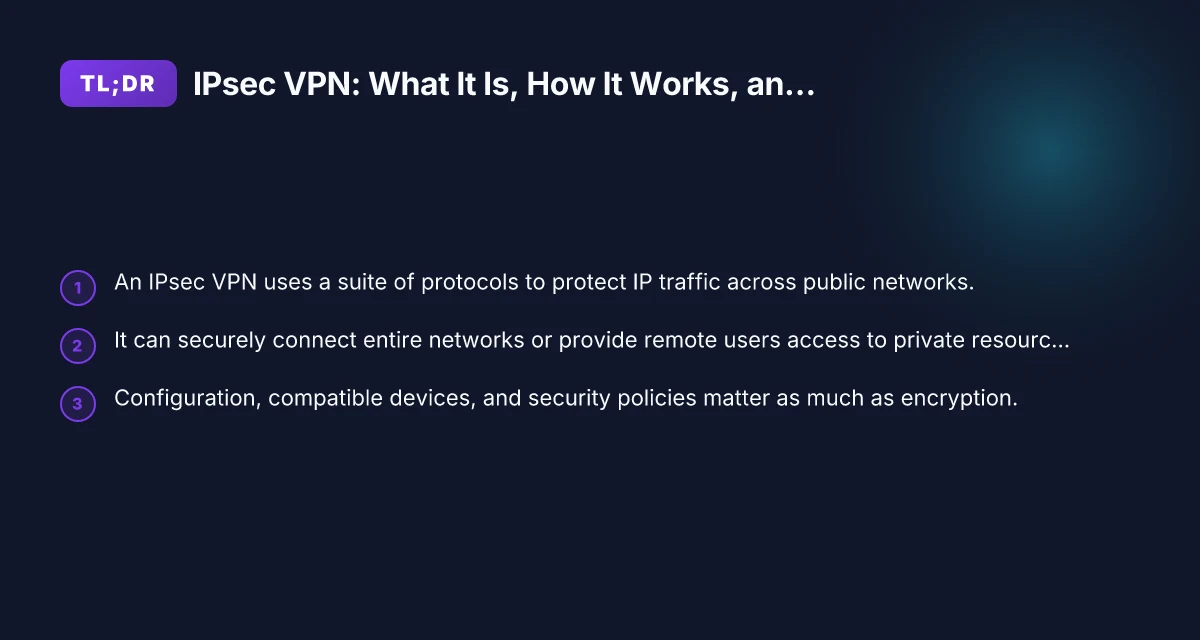
Consider an IPsec VPN when you need to connect separate networks securely or give remote users a protected path to private resources. It is especially relevant when the network devices already support IPsec and administrators can manage the configuration at each endpoint.
Before choosing one, identify:
- Which users, devices, or networks need access.
- Which systems and services should be reachable through the VPN.
- Whether the connection should link networks or individual devices.
- What authentication, monitoring, and endpoint controls are required.
- Whether another VPN approach better matches your applications and management model.
Recommendation
Choose an IPsec VPN when its network-level protection and connection options fit your use case, and when you can configure and maintain its endpoints securely. Define access narrowly, verify compatibility before deployment, and treat the VPN as one part of a broader security plan, not a substitute for it. Free VPN: What to Know Before You Choose One

Kira Zilberman has been writing about consumer technology since 2018, with bylines covering router firmware, P2P networking, and secure messaging. Approaches each review by setting up the product the same way a typical reader would and recording every snag along the way.