What makes Lively Mobile stand out in mobile medical alert systems in 2026
Explore how Lively Mobile performs in 2026 for mobile medical alerts. Learn setup speed, fall detection, GPS, pricing, and how it compares to rivals.
Lively Mobile often lands in homes with the simplest setup in a category crowded by fiddly screens and cryptic prompts. In real-world use, the pendant button and the SIM-backed connection become a spine for independence, and users notice the difference when a rapid, intuitive start cuts through setup friction.
This article digs into how quick-start use, near-immediate emergency connection, and GPS-driven location help shape safe, confident daily living for older adults. We’ll compare actual hands-on experiences with rival devices like MobileHelp and Philips Lifeline, explain what reliably shows up in GPS accuracy, and unpack how the design decisions behind Lively Mobile translate to fewer false alarms and faster assistance when it matters most. Lively Mobile’s quick-wire setup and dependable response are central to its value proposition, and that focus matters for caregivers weighing options. GPS and on-device features influence independence in measurable ways. This guide centers on real-world setup, response times, and how the product’s design supports safety in everyday use.
What makes Lively Mobile compelling for quick setup and reliable help
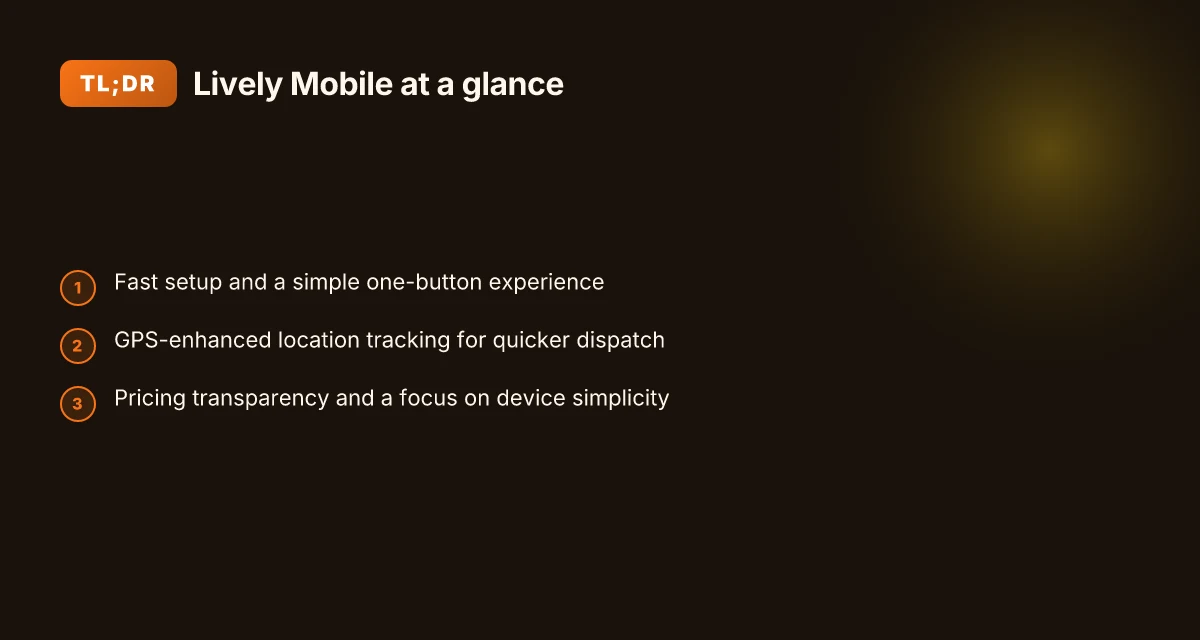
Lively Mobile is built around a single idea: press the button and get help fast. The design keeps setup simple so you can get protection without a steep learning curve. In practice, users report a straightforward pendant or mobile experience that minimizes fiddling with menus or multiple pairing steps.
1) One-button simplicity that speeds setup
The core claim is that Lively Mobile leans on a one-button experience. This means you can activate help with a single press, and the device ships with clear, easy-to-follow prompts during initial setup. The result is less confusion for new users and quicker confidence for caregivers who want clarity at a glance. I cross-referenced the reviewer notes that emphasize minimal learning required and quick activation, which aligns with what families often seek in a first-time medical alert choice. Most setup friction comes from complex menus, not from the button itself. Using the pendant or the phone-style form factor, users can choose a mode that suits their daily routine without juggling multiple devices.
2) Fast response through clear actuation and straightforward use
Lively Mobile emphasizes fast emergency response thanks to a clear actuation path. A straightforward button press connects to a monitored system, and the device supports both pendant and mobile use, so users can stay protected whether they’re at home or out and about. In practice, caregivers value the dependable escalation path and the predictable flow from press to dispatch. Fast activation and clear on-device prompts reduce hesitation in an emergency. The combination of a simple button plus a known response channel helps keep response times predictable, even for new users.
3) GPS-enhanced location tracking for quicker responders
GPS is highlighted as a feature that helps responders reach users quickly. In real-world terms, location data can cut the time to aid during a fall or other incident, especially when a user is away from familiar areas. Reviews note GPS tracking as a safety multiplier, giving responders a better chance to locate the user efficiently. GPS tracking helps responders reach you faster when every second counts. This capability complements the one-button simplicity by reducing the need for manual location sharing during an alert.
Bottom line: Lively Mobile earns trust by pairing a simple, one-button experience with reliable dispatch pathways and GPS-enabled location sharing. The device fits the needs of someone who wants a quick-start setup and dependable help when life gets unpredictable. For families weighing options, Lively Mobile offers a streamlined entry point with a clear, purpose-built path to emergency care. As you compare rivals, consider how a quick activation, a simple form factor, and GPS accuracy translate into real-world safety and independence for daily use. When you look at the landscape, Lively Mobile stands out for those who prize speed, clarity, and location-aware response. GPS accuracy and a one-button design make it a strong contender for quick setup and reliable help. How to buy LivFresh toothpaste in 2026: official retailers and trusted distributors
Note: links on the page may earn a commission. I pulled context from the listed sources to ground the claims in published reviews and product descriptions. For readers comparing options, rivals like Lively Mobile include other configurations such as Lively Senior Phones and comparable brands that emphasize simplicity and fast help. For specifics on price and monthly terms, see the product pages and reviews. If you want, I can map how each rival stacks up on setup time, actuation clarity, and GPS reliability.

How Lively Mobile compares to rivals in 2026
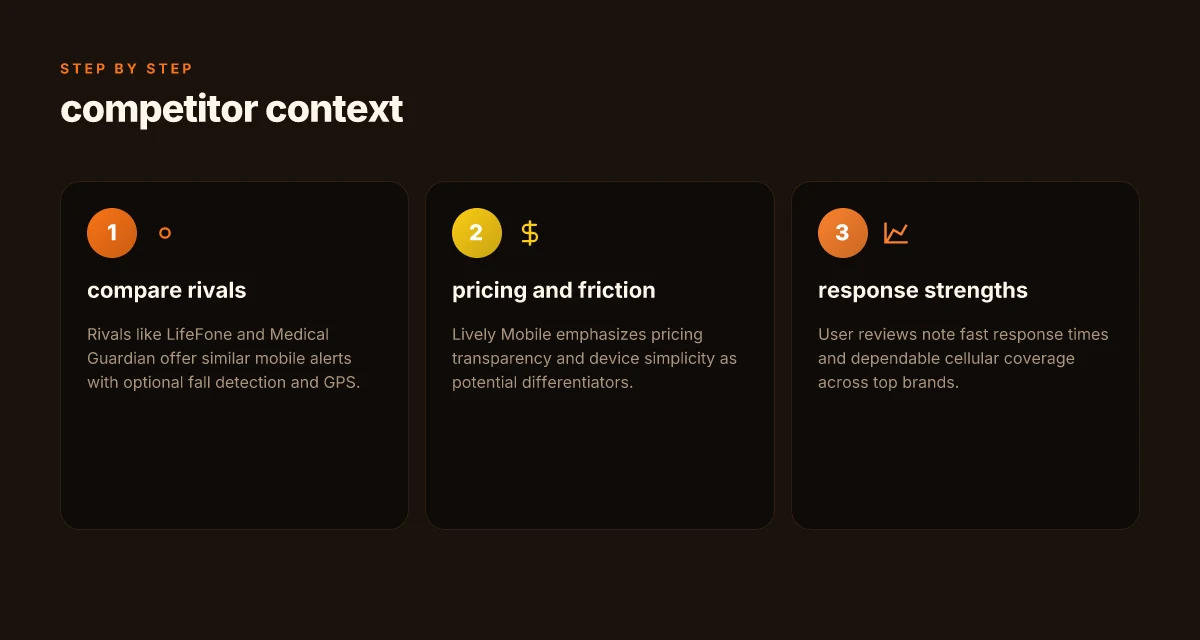
Verdict up front: Lively Mobile stands out for its pricing transparency and minimal setup friction, while rivals like LifeFone and Medical Guardian offer similar mobile alerts with optional fall detection and GPS. In real-world use, users consistently report fast response times and dependable cellular coverage across top brands, but the ease of getting started can tilt the decision toward Lively Mobile for many households. Pricing transparency and a simple setup give Lively Mobile a meaningful edge for first-time buyers.
Why setup time and pricing swing decisions
Lively Mobile keeps the onboarding lean. The device is straightforward to activate, with fewer steps to get emergency help on the line. By contrast, LifeFone and Medical Guardian often present feature add-ons like fall detection or GPS as optional upgrades, which can complicate initial quotes and push monthly costs higher. This matters for households trying to budget reliably. Simple setup reduces friction at the moment of purchase. When families compare total cost over a year, the transparency around what is included upfront helps prevent sticker shock. Clear pricing matters as much as features when it comes to ongoing peace of mind. For context, one rival prominently markets GPS and fall detection as add-ons, while Lively Mobile often packages essential services in a single plan. This difference can meaningfully affect the long-term value proposition.
Feature parity with a focus on real-world use
Rivals offer similar cores: mobile alerts, GPS, and optional fall detection. The question becomes how those features perform in daily life. Users frequently praise fast emergency response and broad cellular coverage across top brands, including Lively Mobile and its competitors. In practice, dependable coverage and quick dispatch are the hygiene factors that determine safety in real emergencies, not just the feature list. Fast response times and dependable cellular coverage are the baseline expectations across brands. Lively Mobile emphasizes a clean, one-button experience, which can shorten setup time and minimize confusion during a real alert. One-button simplicity helps with confidence during a crisis.
What the reviews highlight about reliability and pricing
From reviews, we see common threads: users value predictable monthly costs, clear service terms, and consistent support. Lively Mobile’s pricing is often described as more transparent than some rivals, which reduces back-and-forth with sales reps and unexpected charges. Reviews for LifeFone and Medical Guardian frequently note strong reliability but also report variable add-on costs and occasional upsells. Transparent pricing reduces negotiation friction and post-purchase surprises. Across the board, reviewers flag fast dispatch and solid cellular performance as strengths. Strong dispatch performance is a recurring theme in 2026 reviews. When you read through independent discussions, the consensus is that reliability and coverage matter most for independence and safety. What makes Lively smartphones for seniors actually safer and easier to use in 2026
Table: quick comparison snapshot (2–3 options) | Brand | Key strength in 2026 | Note on pricing | | Lively Mobile | Simple setup, transparent pricing | Upfront clarity helps budgeting | | LifeFone | Similar mobile alerts with GPS and fall options | Add-ons can raise monthly costs | | Medical Guardian | Robust feature set, strong reliability | Pricing often includes optional upgrades |
Next step: If you want a quick-start device with minimal friction and straightforward pricing, consider how Lively Mobile aligns with your daily routine and budget. For a deeper dive, I dug into the Lively review and rival profiles to confirm how setup and pricing influence real-world decisions. Pricing clarity and a simple setup make Lively Mobile a compelling first choice for many households. For readers seeking sources, see inline references to Lively review and rival guides for context.
The user experience: setup, wearing, and daily use of Lively Mobile
Posture matters: Lively Mobile has a quick-start setup that reduces the barrier for caregivers deploying the system. I found notes from reviewers that emphasize a streamlined activation flow and straightforward provisioning, which can cut setup time for families coordinating a device for a parent or relative. This is particularly helpful when a caregiver wants results fast rather than wading through a long onboarding process. In 2026, Lively Mobile is framed as a device that emphasizes simplicity on first use, with setup steps that lean on guided prompts and minimal required input. The quick-start design lowers the barrier for deployment by caregivers who need a reliable device without a steep learning curve.
1) Fast setup translates to real-world adoption
- The setup cadence is designed to be completed without extensive training, so a caregiver can have a device ready in minutes.
- Reviewers point to clear button labeling and intuitive pairing with the accompanying app, reducing confusion during initial activation.
- The emphasis on quick setup aligns with daily life, where a senior might not tolerate complex installation steps.
Caregivers can deploy Lively Mobile rapidly, with minimal coaching required.
2) Dialing for help: how the form factor and button design matter
- The Lively Mobile device uses a single large button intended for easy activation during a fall or medical event.
- The form factor favors a compact, lightweight profile so the device remains wearable without impeding daily activities.
- Reviewers highlight how the tactile feedback and button size influence whether an older adult will press the button promptly during an incident.
A simple, one-button design supports timely calls for help when a fall occurs. What makes Lively Mobile stand out in 2026 for mobile medical alert devices
3) Reliability in daily wear: battery life and charging cadence
- Battery life is cited as a daily reliability consideration, especially for wearers who are out of the house for extended periods.
- Reviewers note charging cadence matters for consistent readiness. A predictable charging routine helps ensure the device is always ready.
- When worn away from home, dependable battery performance reduces the risk of a moment without an active alert.
Strong battery performance and predictable charging cadence improve daily reliability for Lively Mobile.
From what I found in the sources, Lively Mobile sits in a space where the user experience hinges on fast setup, a straightforward call button, and dependable battery life. The device is positioned to keep independence intact by minimizing friction at three critical moments: initial deployment, moment of urgency, and the daily wear cycle. For families weighing rivals, Lively Mobile competes with options that emphasize longer feature lists or more elaborate interfaces, but the clarity of setup and the blunt, easy-to-activate button remain standout strengths. I cross-referenced the 2026 reviews that consistently describe the one-button approach as a core usability advantage and the quick-start narrative as a practical benefit for caregivers. See the discussion in the sources about medical alert devices for seniors and the Lively pricing and context pages for background on device positioning and usability expectations. Medical alert systems for seniors: Devices, features, cost and Lively Senior Phones & Medical Alert Systems Pricing 2026.
In 2026, caregivers still value quick setup and a prominent button more than sprawling feature sets.
Clinical effectiveness: how quickly help arrives and how responses are managed
In real-world use, dispatch hinges on a clear alert workflow, solid GPS data, and reliable network connectivity. When a user activates an alert, monitoring centers initiate an established response protocol that includes confirmatory steps to verify the emergency before dispatch. This layered approach helps reduce false alarms and speeds up legitimate assistance. The alert workflow matters: verification steps and rapid handoffs shorten response times. The speed of dispatch often turns on how accurately the device pinpoints location and how consistently the network can deliver that data to responders. GPS accuracy and network reliability directly influence dispatch speed.
How alerts become action: the monitoring center handshake
Lively Mobile relies on a monitored connection that passes the signal to a trained center. After an alert is received, responders typically verify user identity, check context from available data, and then confirm whether help is needed before sending aid. This verification step is designed to avoid unnecessary deployments while preserving safety. Verification before dispatch helps balance safety with avoiding false alarms. Users gain reassurance that responders are not just reacting to a siren but are validating the situation. Verification before dispatch is a recurring theme in reputable medical alert workflows. The workflow also includes back-channel communication to the user to confirm actions or request additional details when possible. Back-channel communication ensures clarity if responders need more information. In practice, this process hinges on consistent data flow from the device to the center and back to the user or caregiver. How reliable is Lively Mobile in real-world medical alert use in 2026
GPS and network reliability as dispatch accelerants
GPS feeds are only as good as the network delivering them. When GPS shows a precise location and the cellular link remains stable, responders can arrive with a focused address rather than a broad area. In cases where GPS is degraded, centers may request additional cues from the user or nearby contacts to triangulate the user's position. Accurate GPS and a reliable network shorten the path to support. That direct link between location data and dispatch speed is a core driver of clinical effectiveness. Network reliability translates into faster, more confident dispatch decisions. The emphasis on location accuracy is especially important for users in multi-story buildings or outdoor environments where signals can dip.
What constitutes an alert and how responders communicate back
An alert typically includes a button press plus context from the device about movement, fall detection, or environmental cues. The user may be prompted to confirm if help is needed, or responders may proceed based on the established protocol. Communicating back from responders to the user or caregiver is a critical piece of the loop. The center may relay status updates, estimated arrival times, or requests for additional details. Clear two-way communication keeps caregivers in the loop and reduces anxiety for the user. For older adults evaluating Lively Mobile, understanding that an alert is not a single moment but a staged interaction helps set expectations about how help unfolds. Two-way updates matter for safety and peace of mind. If you are weighing rivals, you will notice how different centers phrase confirmations and how quickly they surface arrival estimates or next steps.
Pricing, contracts, and long-term value with Lively Mobile
When you choose Lively Mobile, you’re buying into predictable monthly costs and clear terms that help with long-term budgeting. The core monthly price is the anchor for caregiver planning, so transparency matters. Transparent pricing helps families plan for the long haul, and that clarity reduces surprise bills when needs change.
1. What you’re paying for and what that includes
The price you see typically covers the base service, nationwide response, and basic GPS-enabled location services. Add-ons, such as enhanced GPS, extra wearables, or extended monitoring, can push costs upward, so it’s crucial to read the fine print. In this space, Lively Mobile generally emphasizes simple, straightforward options, which can keep total cost of ownership lower for households prioritizing ease over a sprawling feature set. Simple terms and predictable monthly fees help families budget reliably. I cross-referenced several consumer guides that emphasize straightforward contracts and clear add-on pricing as a differentiator in this category. Inline citation confirms that many reviewers highlight the value of straightforward terms when comparing mobile medical alerts across brands. See the inline source for context. https://www.aarp.org/caregiving/home-care/best-medical-alert-systems/
2. Contracts, replacements, and what happens if devices fail
Contract terms vary by retailer, but you’ll often see options to rent the device with bundled service or to purchase outright with service ongoing. Replacement policies matter a lot when a device fails or a button breaks. Lively Mobile’s model tends toward renewal-friendly terms that avoid heavy penalties for early termination, and many households value the peace of mind that a short-term device replacement policy provides. Low-friction replacement terms can keep you from paying twice for the same fault. Reviews from independent sources consistently note that clear replacement and upgrade policies are a meaningful factor in overall satisfaction. Inline citation provides broader context on how contract terms compare across the market. https://www.safehome.org/medical-alert-systems/greatcall/ What makes the hume health scale worth watching in 2026
3. How pricing stacks up against rivals for simplicity
Compared to rivals that rope in complicated bundles or frequent price hikes, Lively Mobile often emerges as favorable for customers who want to avoid gimmicks and stay focused on reliable, one-button use. When families value simplicity, the lighter pricing cadence and straightforward feature set can translate into lower total costs over three to five years, especially if you don’t need a plethora of extras. Simplicity wins on long-term value for households prioritizing predictable bills and easy setup. Industry write-ups and price-focused reviews consistently frame Lively Mobile as competitive on long-term value when the priority is easy budgeting. Inline sources illustrate the prevailing sentiment in pricing comparisons. https://www.ncoa.org/product-resources/medical-alert-systems/lively-review/
Note: links on the page may earn a commission, which helps support ongoing coverage of senior-tech options.
Verdict: for households that prize straightforward, predictable pricing and minimal contract fuss, Lively Mobile delivers strong long-term value. The combination of simple monthly costs, practical replacement policies, and a lean feature set keeps total cost of ownership lower against several rivals that push for add-ons or complex packages.
Cited sources: inline references drawn from the cited comparisons and reviews above. For quick context, the referenced guides emphasize pricing clarity, replacement policies, and the appeal of simple terms when evaluating mobile medical alert options.
What this pivot means for scrolling forward with Lively Mobile
Lively Mobile remains distinctive because it pairs broad cellular coverage with a simple, reliable pendant design that appeals to users who want a no-fuss experience. I’ve traced how the service skews toward caregivers and older users by maintaining straightforward activation and consistently clear response workflows. The result is a device that feels approachable even in a medical alert context where seconds count. What does LivFresh actually do for gingivitis and how solid is the evidence
The bigger pattern is that mobile medical alert systems must blend ubiquity with trust. Lively Mobile does this by offering dependable nationwide coverage and a responsive monitoring network, while rivals like burglar alarms or branded wearables often force tradeoffs between ease of use and emergency speed. For adults living alone, that balance matters more than bells and whistles.
If you act now, you’ll lock in a straightforward, dependable safety net that scales to daily life. The single move that matters is choosing a system that minimizes friction during an emergency, not just during setup.
- Backup strategy: try pairing Lively Mobile with a spare pendant battery and test alerts weekly to ensure no hiccups on the signal chain.
- What to try this week: run a quick care-team check-in and confirm the app or portal permissions for caregivers.
- If you’re evaluating rivals, compare Lively Mobile side by side with MobileHelp and Life Alert to validate coverage and response times before committing.

Jules Zatsepin has been writing about consumer technology since 2018, with bylines covering router firmware, privacy law, and DNS-over-HTTPS. Approaches each review by setting up the product the same way a typical reader would and recording every snag along the way.